

Filters in the "Users" module
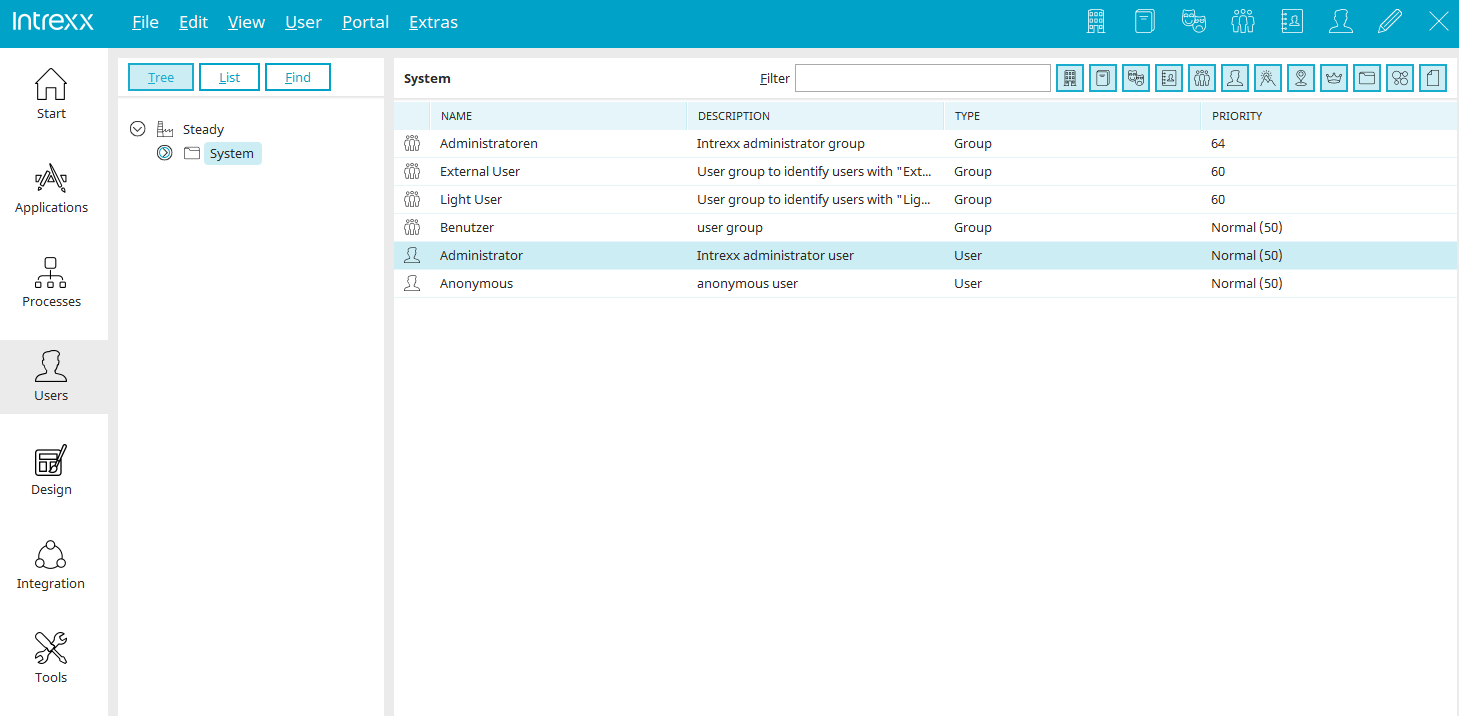
In the "Users" module, you have the option to filter user object lists in various places. In the "Filter" search field—shown in the upper right corner of the image above—you can enter the search term you're looking for. You can also use the buttons to narrow your search to
 Organizations
 Organizational Units
 Roles
Roles
 Distribution Lists
 User Groups
 User
User
 Countries
 Places

 Other Container Types
 Other Grouping Types
 All other permitted types
Some of the filter buttons are also available in the "Select User" dialog box. This also gives you the option to filter by user objects there.
More Information
Objects, Classes, and Attributes
The sections of the "Users" module
Replication - Importing Users and Groups
Active Directory Integration and Replication Configuration