

Portlets
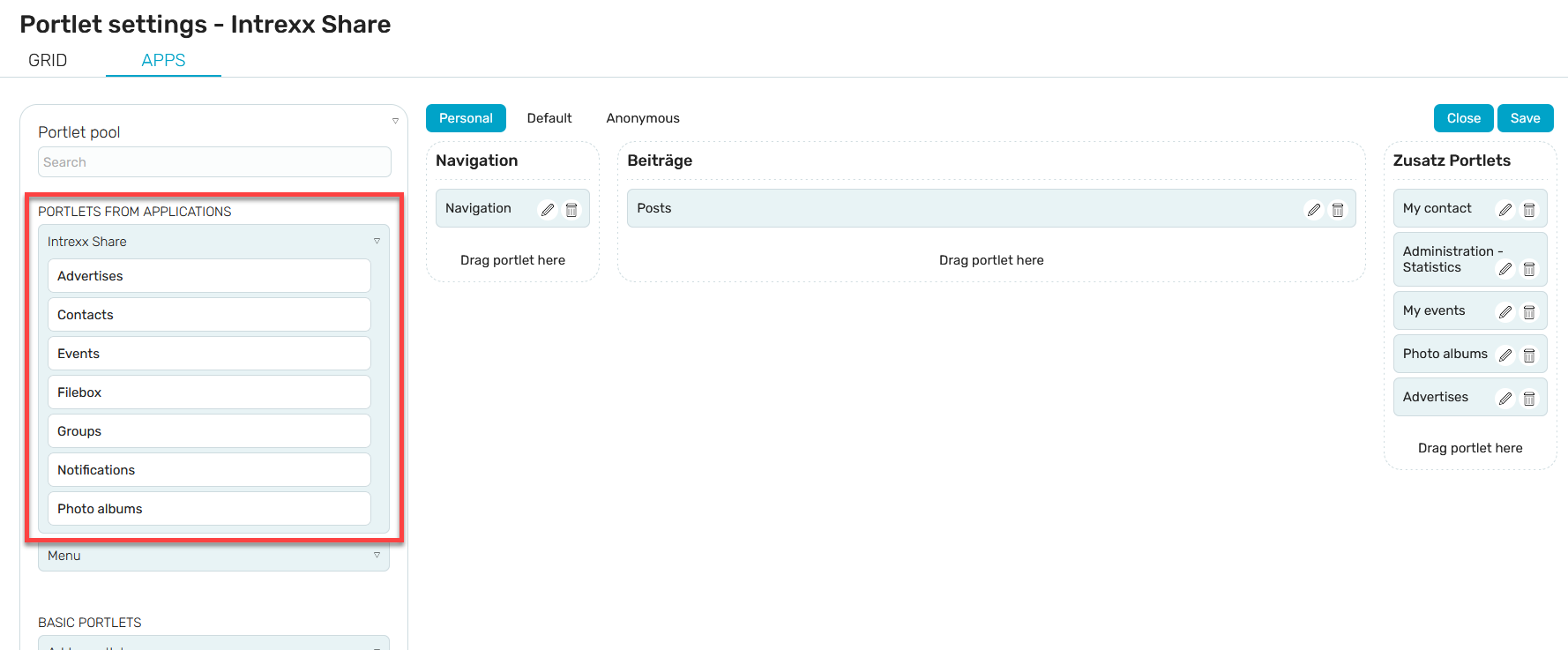
Intrexx Share offers a range of portlets that you can embed anywhere in the portal. You can find these portlets in the portlet settings under "Portlets from Applications."
Click the small arrow button to the left of "Intrexx Share" to display the portlets available for the current page.
In the "Portlets from Applications" list, you will also find the entries "Projects" and "Surveys." There, you can access the portlets that come from these Intrexx Share applications.
General information on how to access the portlet settings in your portal and how to embed portlets on portal pages can be found here.

Depending on which portal page is used to open the portlet settings, only the relevant selection of portlets available for integration on that page will be displayed.
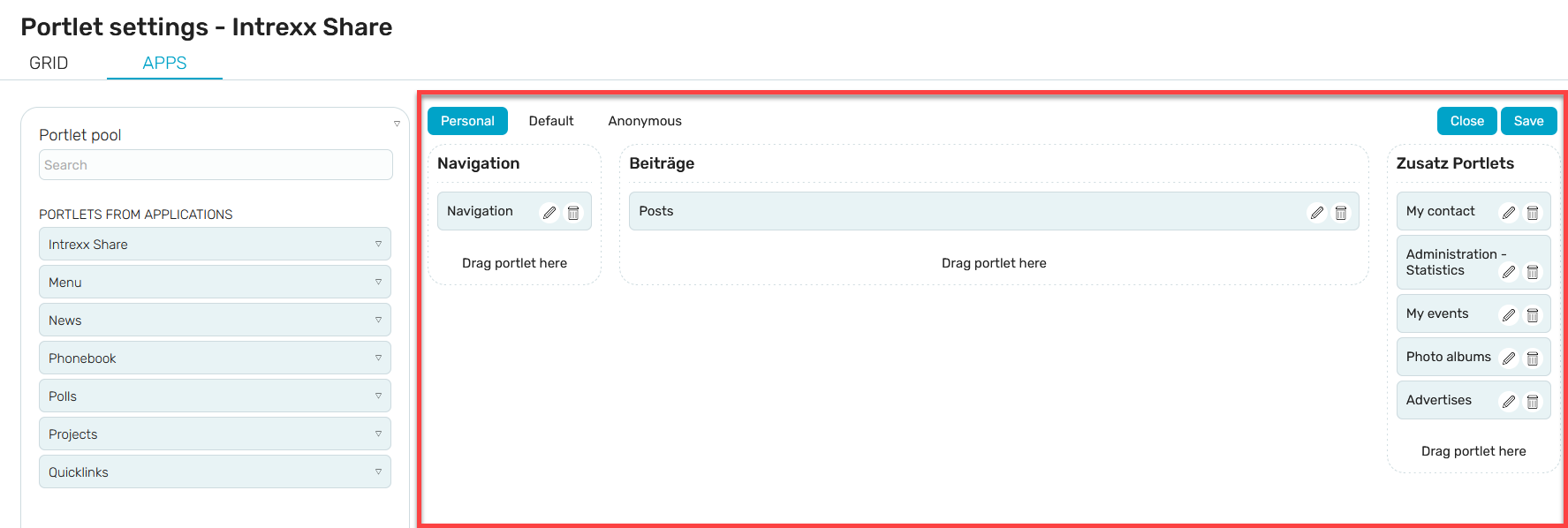
Portlets that have already been added—in this example, the portlets on the overview page of the "News" module—are displayed in the right-hand pane of the portlet settings. Here, you can change the layout and settings of the portlets.
Intrexx Share Portlets
Administration - Statistics
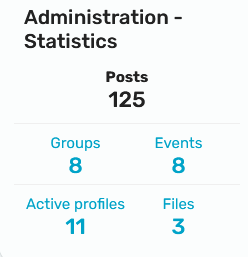
Here you will find an overview of the number of posts, groups, events, profiles, and files available in Intrexx Share. The “Administration Statistics” portlet is visible only in administration mode and is already selected by default.
Articles
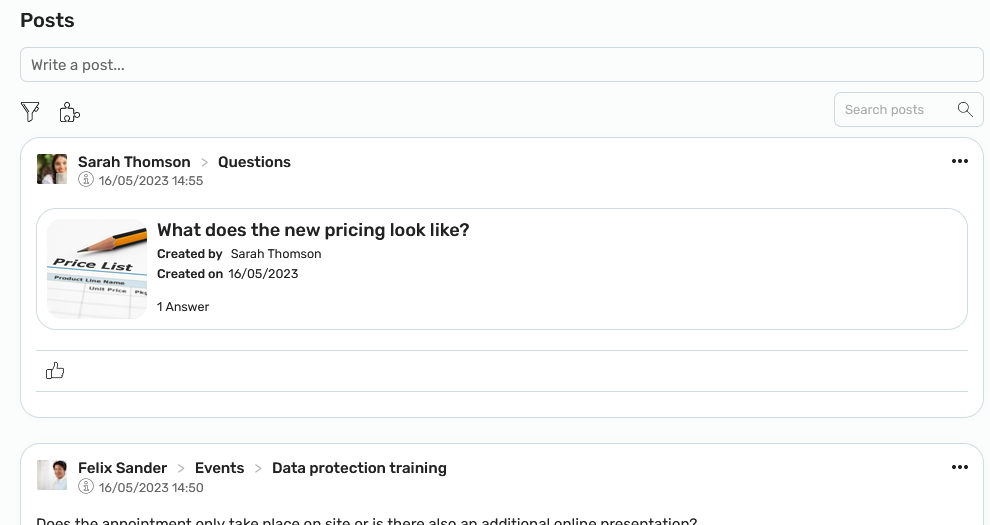
This portlet displays all posts. You can find more information on this topic here.
Photo Albums
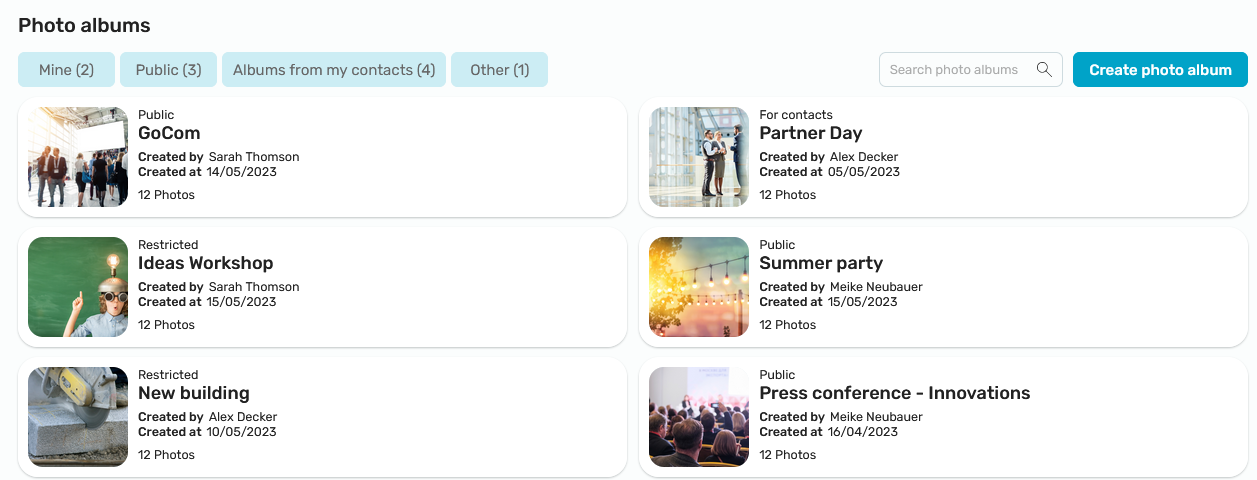
This portlet displays the photo albums. You can find more information here.
Groups
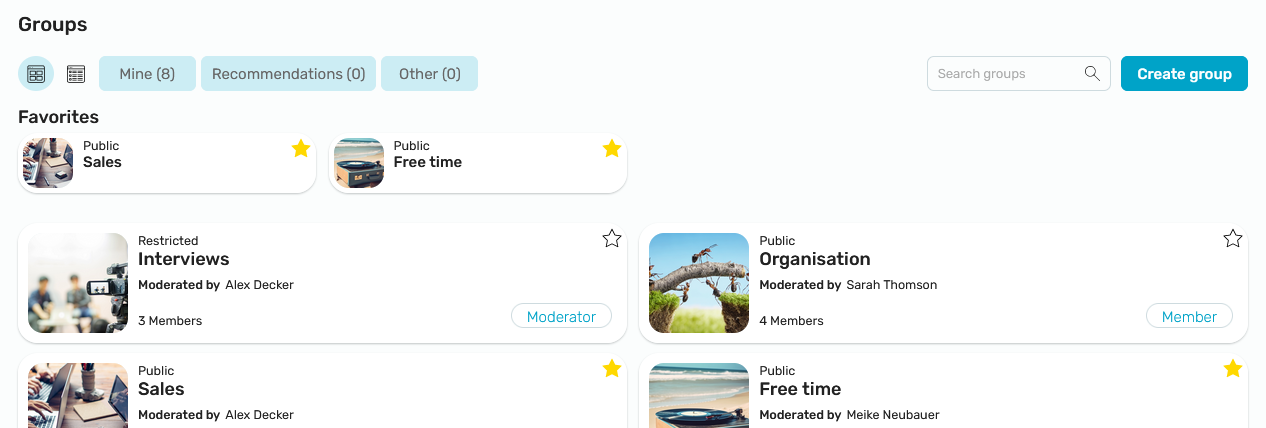
This portlet displays all Intrexx Share groups for which you have access. You can find more information here.
My Events
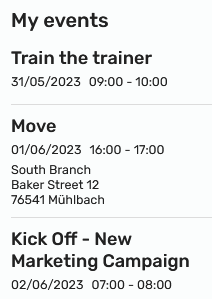
Clicking the "Show All" link takes you to the corresponding page in the "Events" module. You can find more information here.
My Contacts
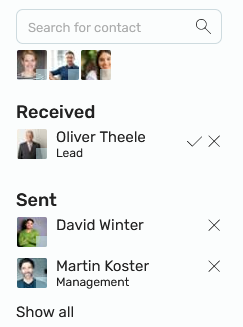
This portlet displays existing contacts and contact requests. You can find all the information on this topic here.
Navigation
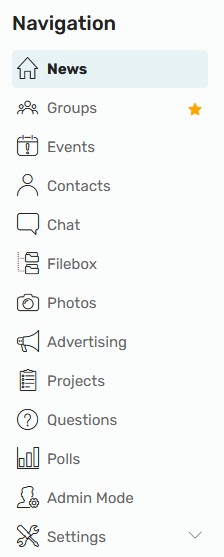
You can find all the information about this portlet here.
Ads
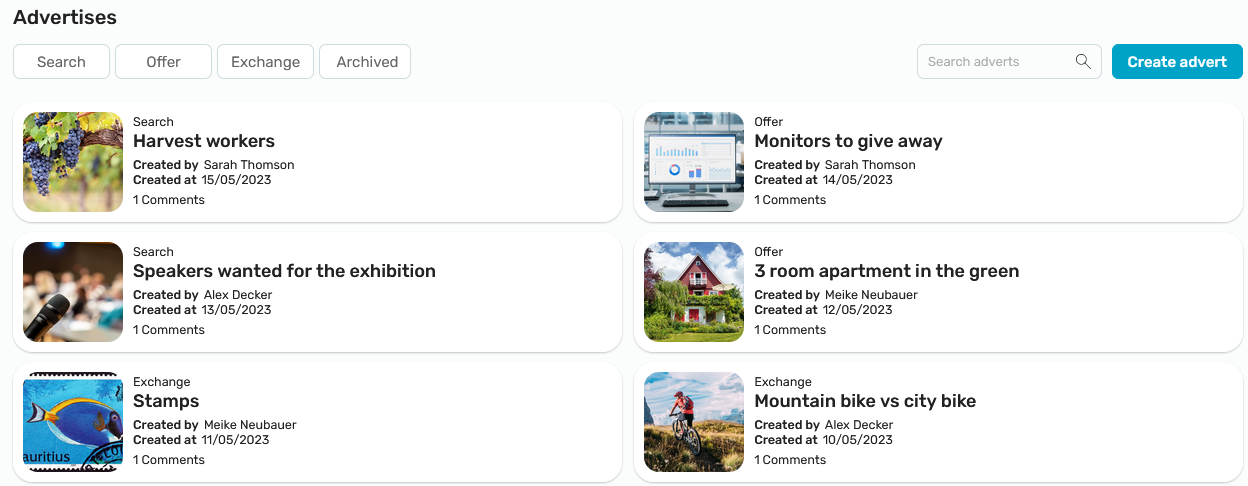
You can find all the information about this portlet here.
Notifications
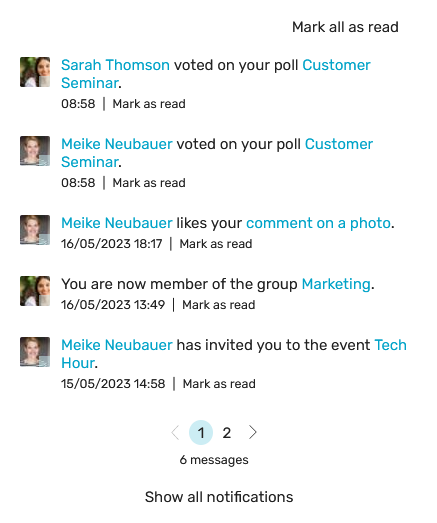
Displays all notifications that are relevant to you. You can find more information on this topic here.
Project Portlets
My Responsibilities
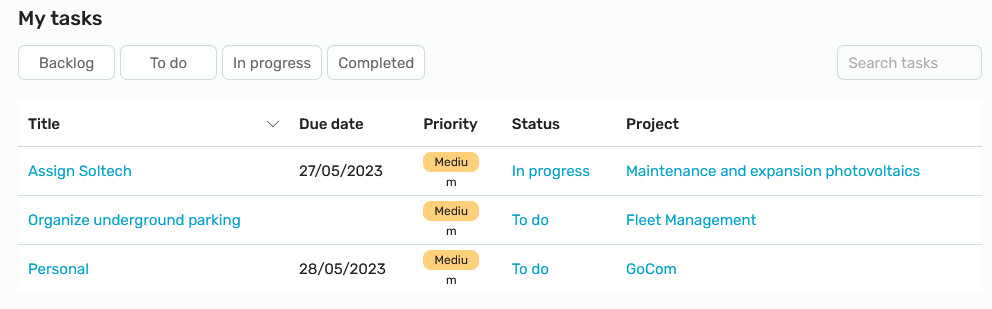
This portlet displays your project tasks. You can find more information on this here.
Projects
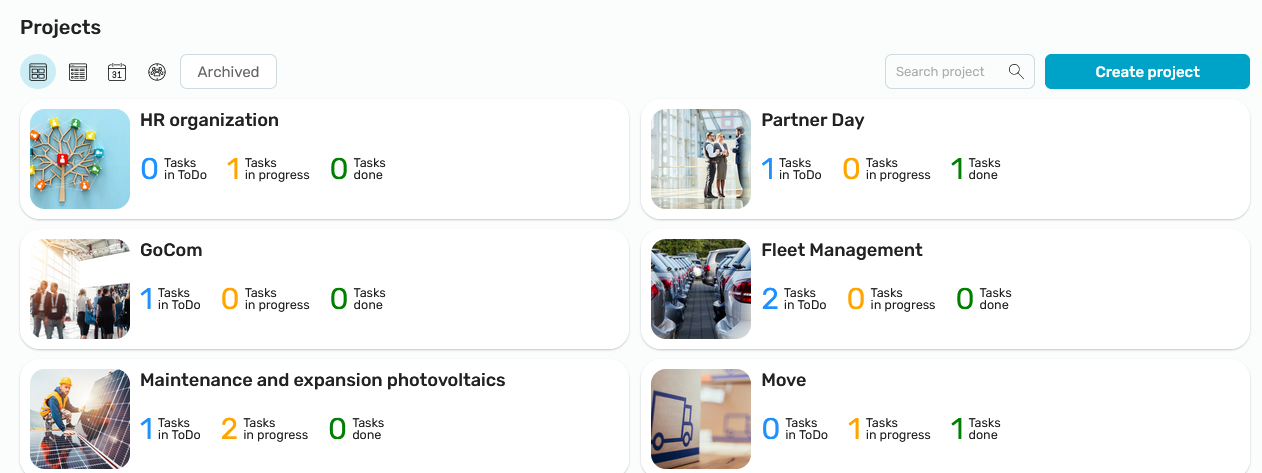
All projects that are visible to you are displayed here. You can find more information on this here.
Surveys Portlet
Surveys
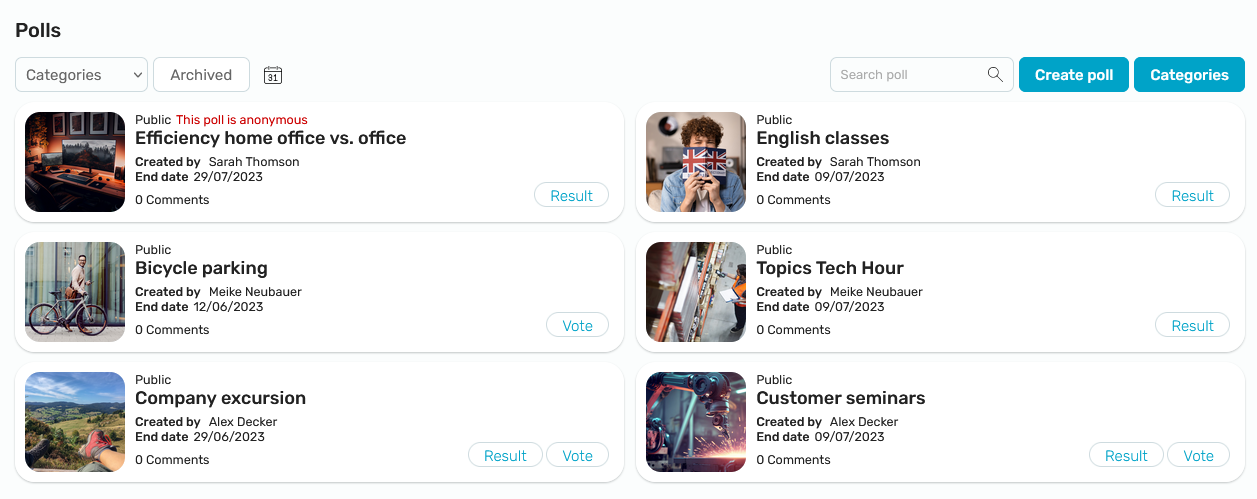
Current polls are displayed here. You can find more information here.