

Search - Application File Filter
Starting with Intrexx version 12.0.1
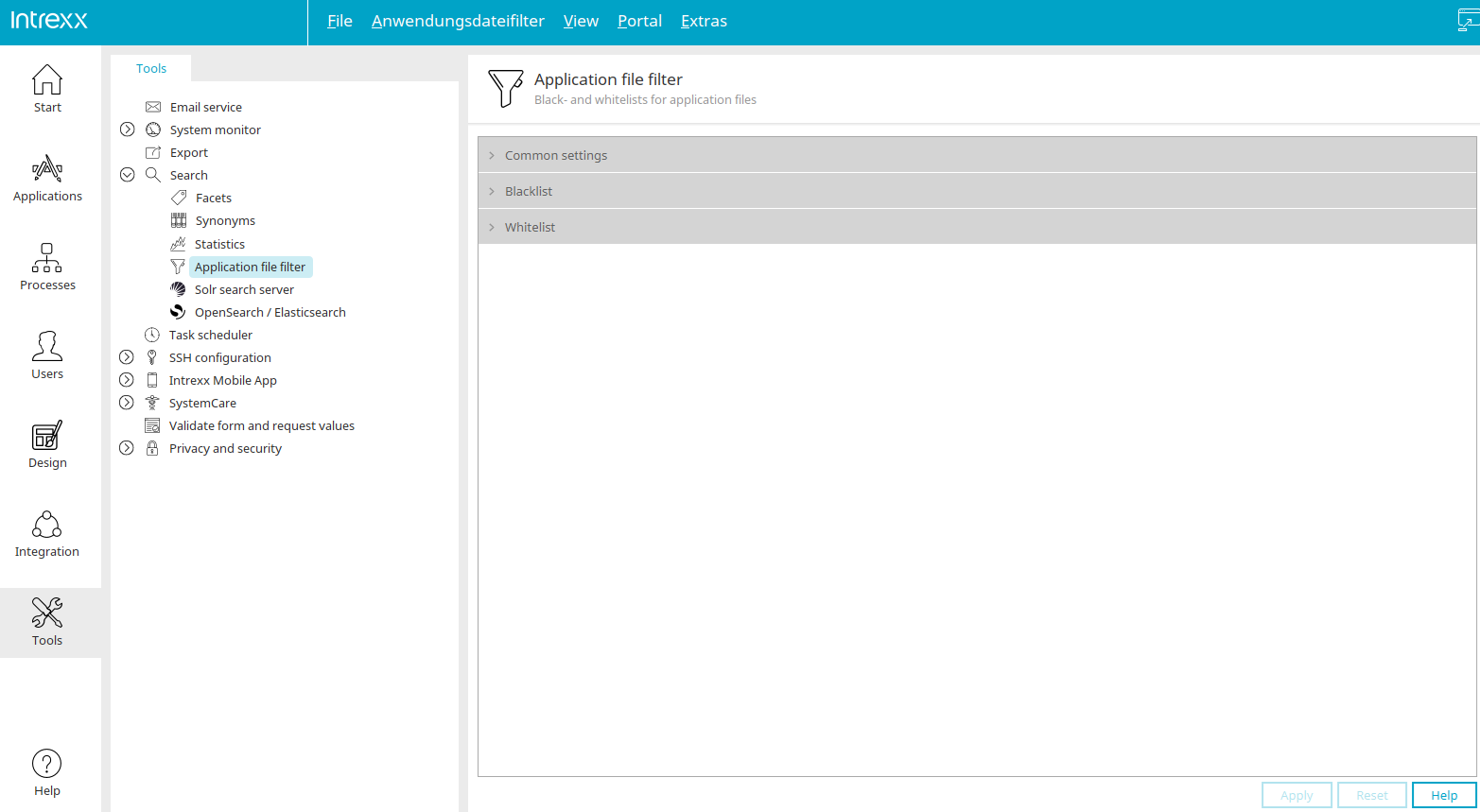
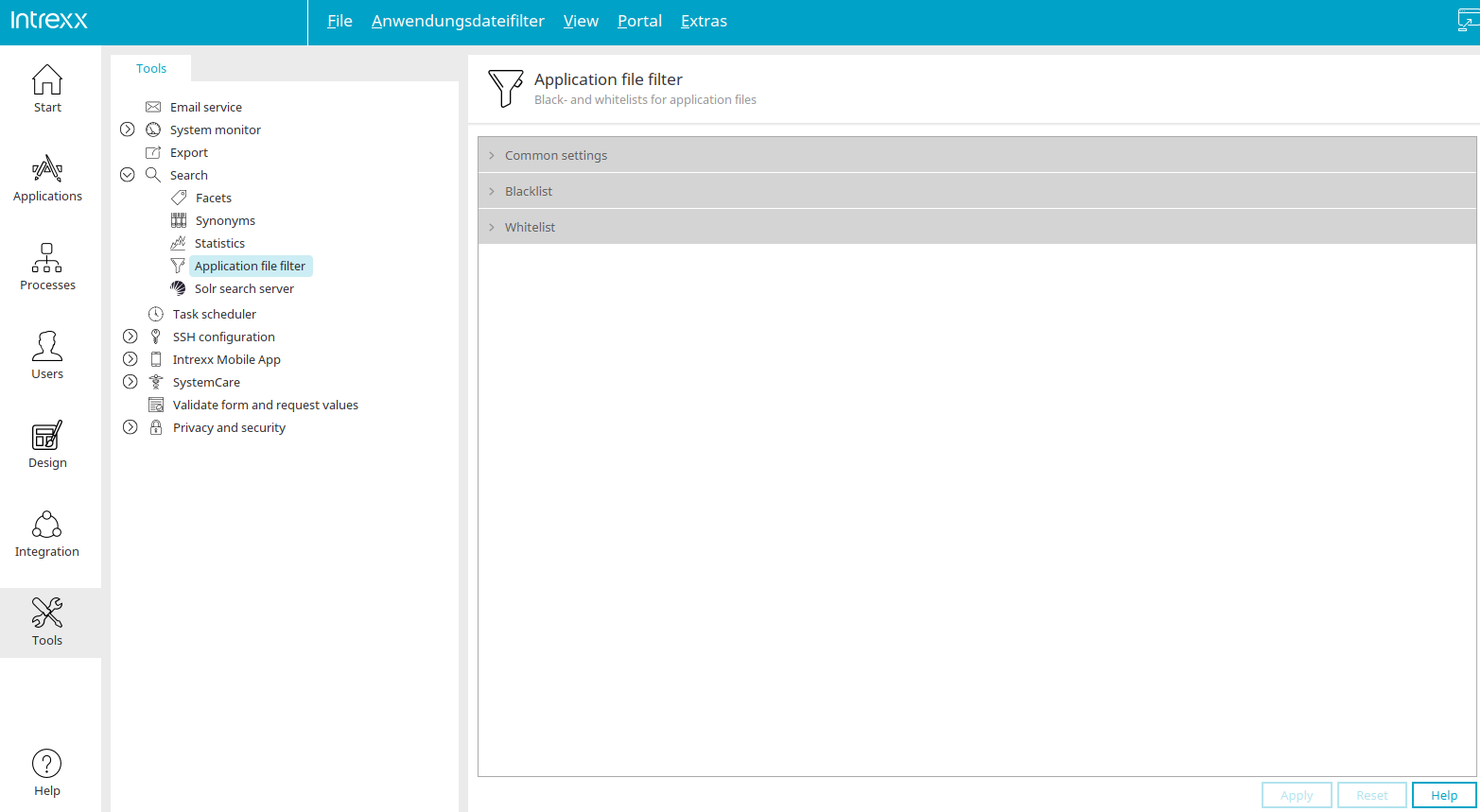
The application file filter allows you to create and manage blacklists and whitelists for application files.
Click the small  arrow button to the left of one of the three entries in the right-hand pane to display the corresponding settings.
General
Starting with Intrexx version 12.0.1
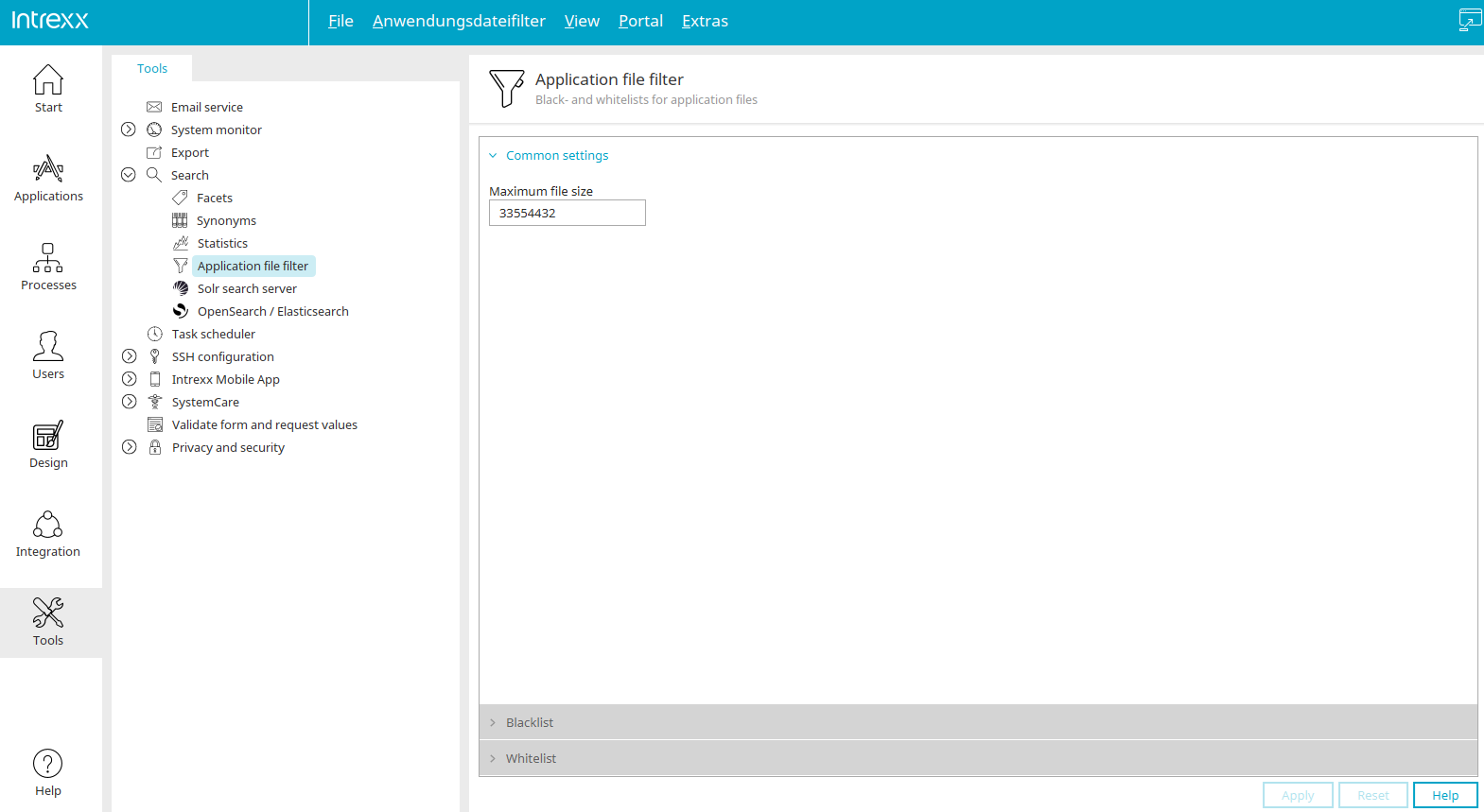
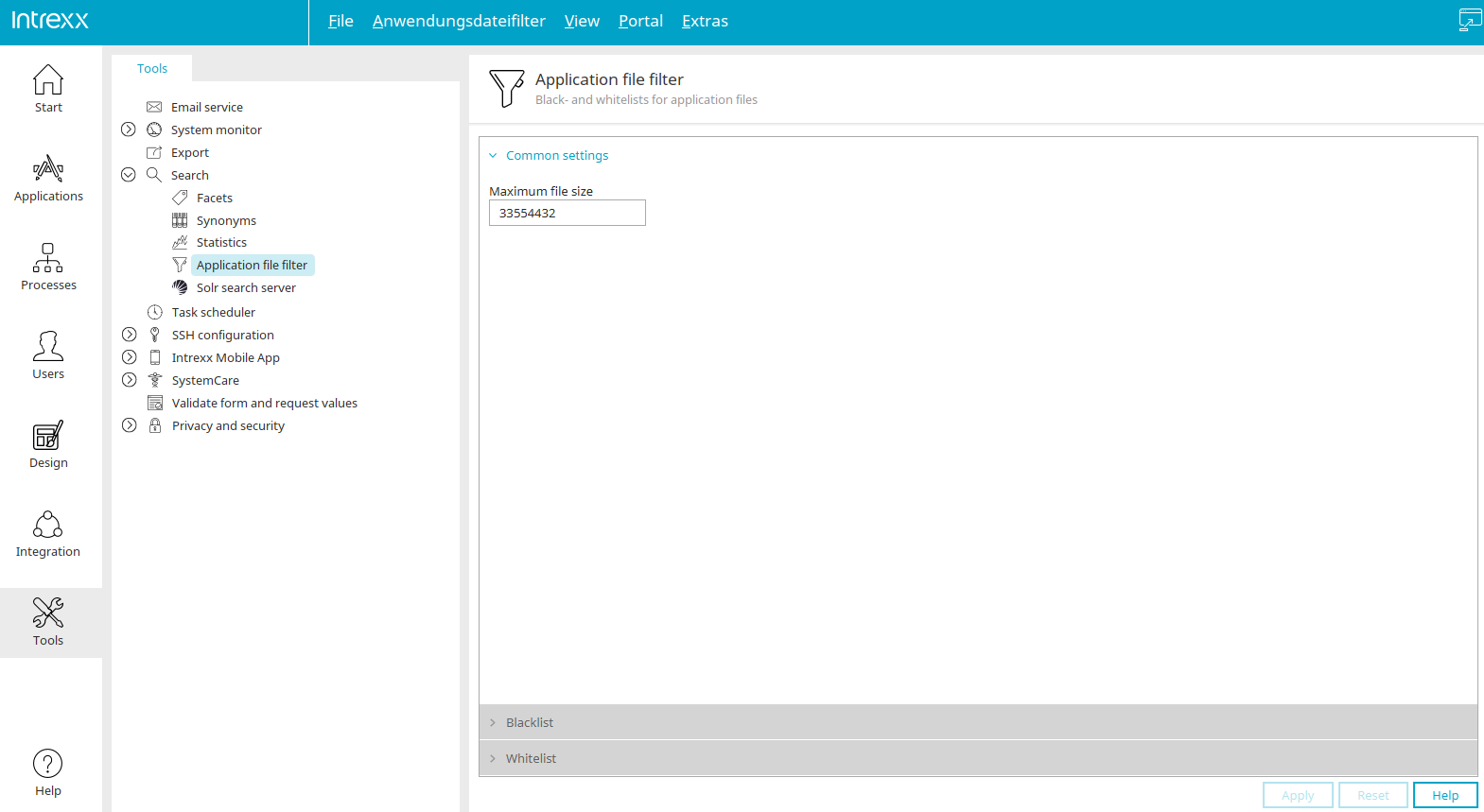
Maximum file size
Here, you can limit the size of the files included in the indexing process.
Blacklist
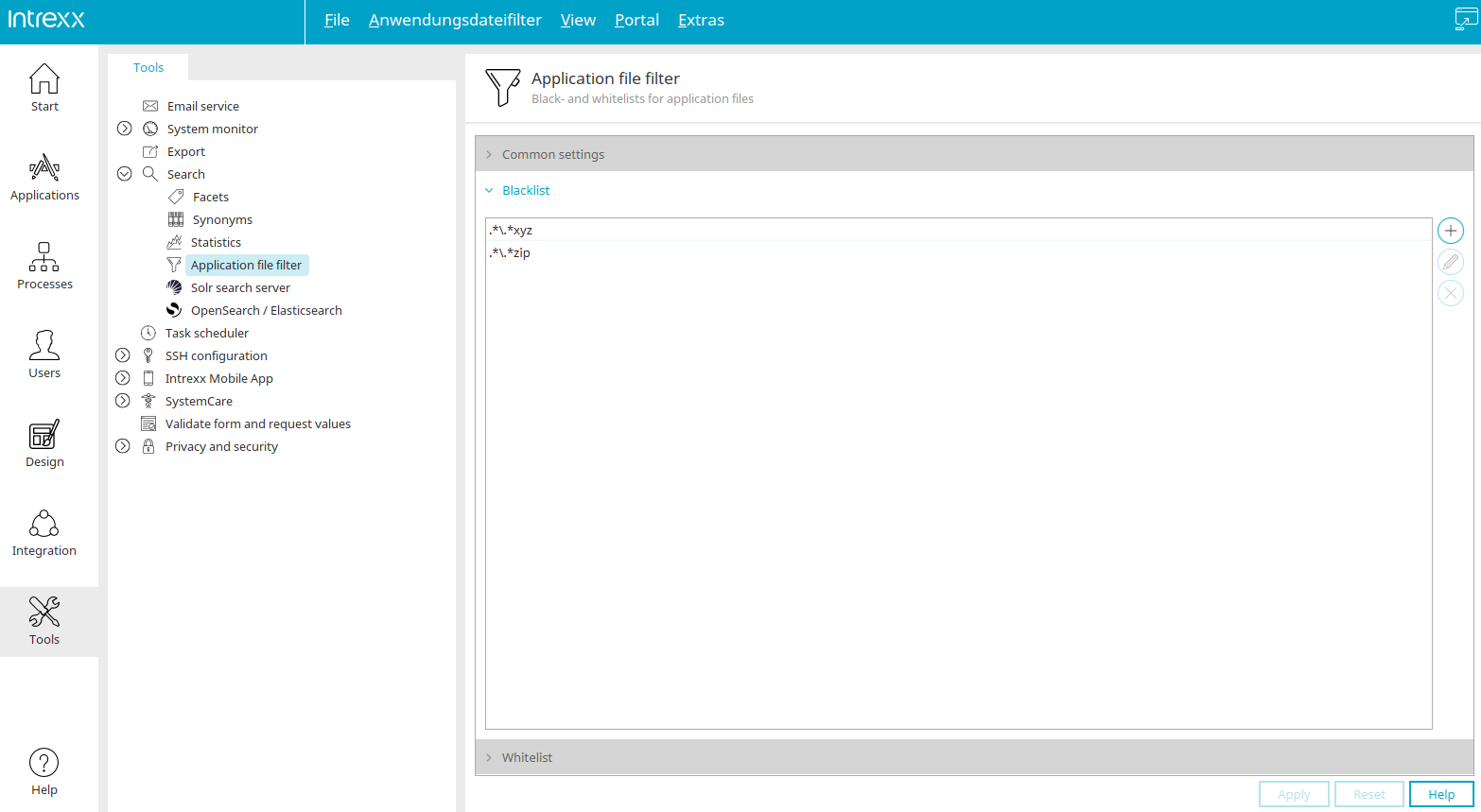
Starting with Intrexx version 12.0.1
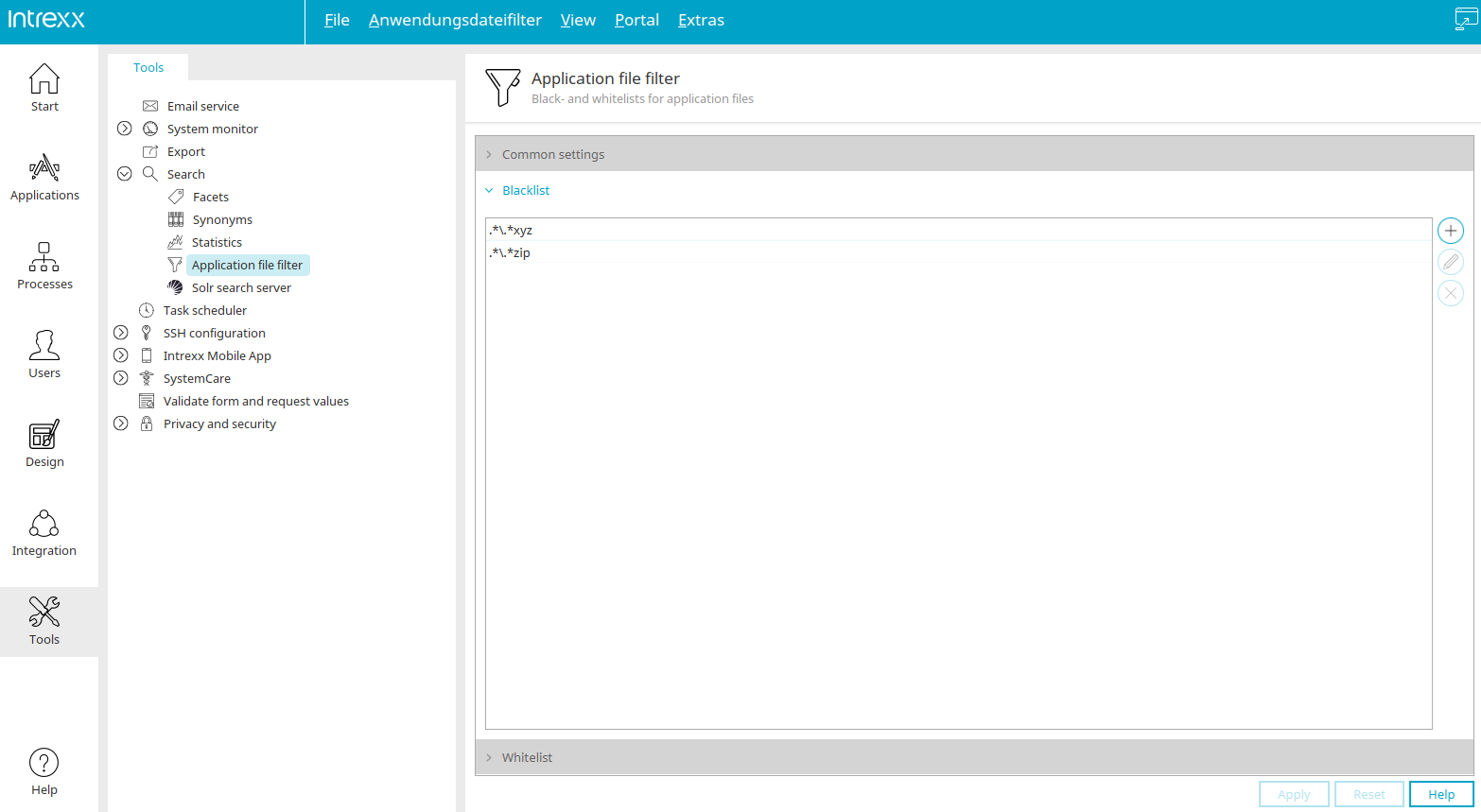
All files that match a pattern entered in the blacklist are excluded from indexing.
 Add an entry
Adds another row to the list where another entry can be entered.
 Edit Entry
Click this button to edit the selected row.
 Remove entry
Removes the selected entry from the list.
Whitelist
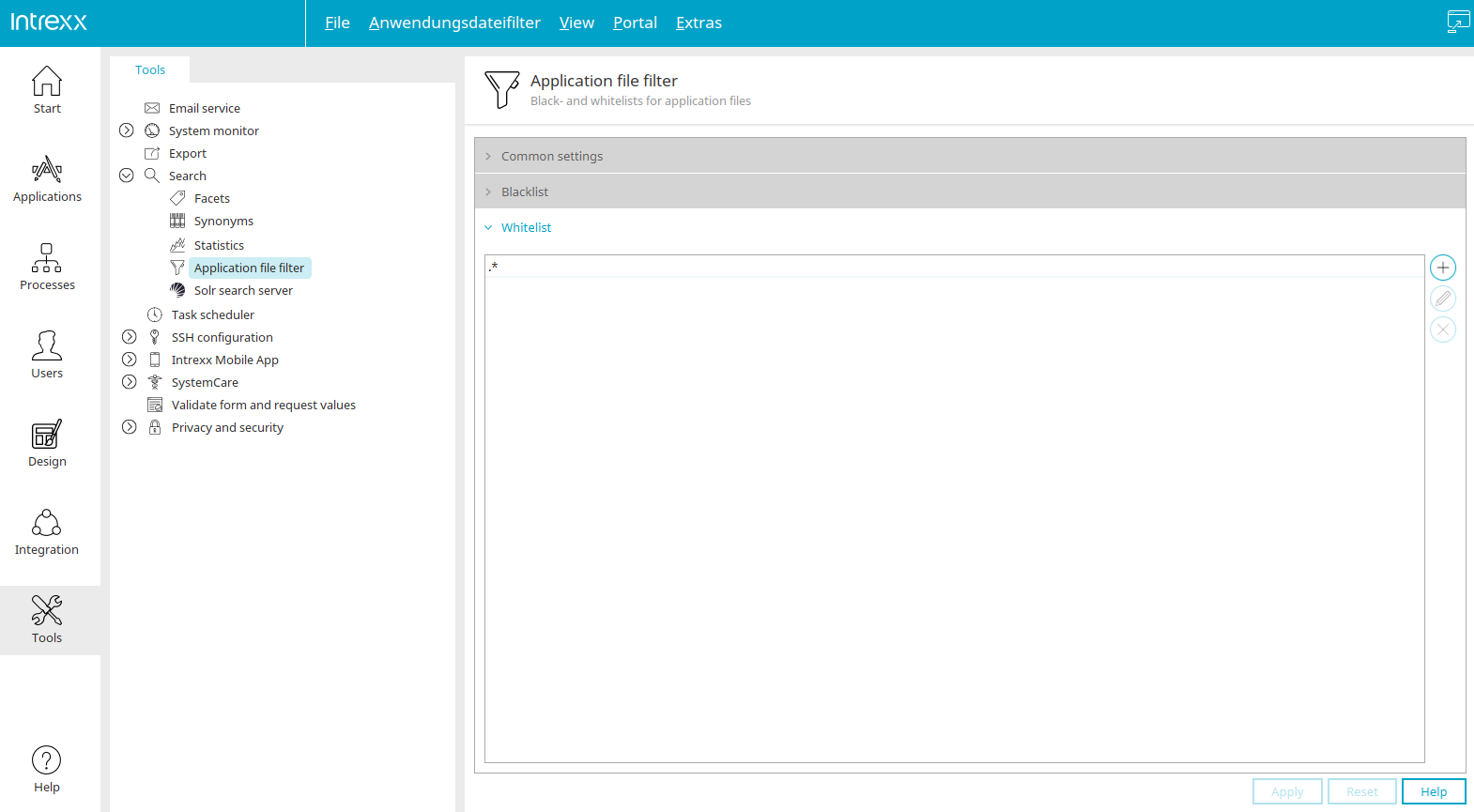
Starting with Intrexx version 12.0.1
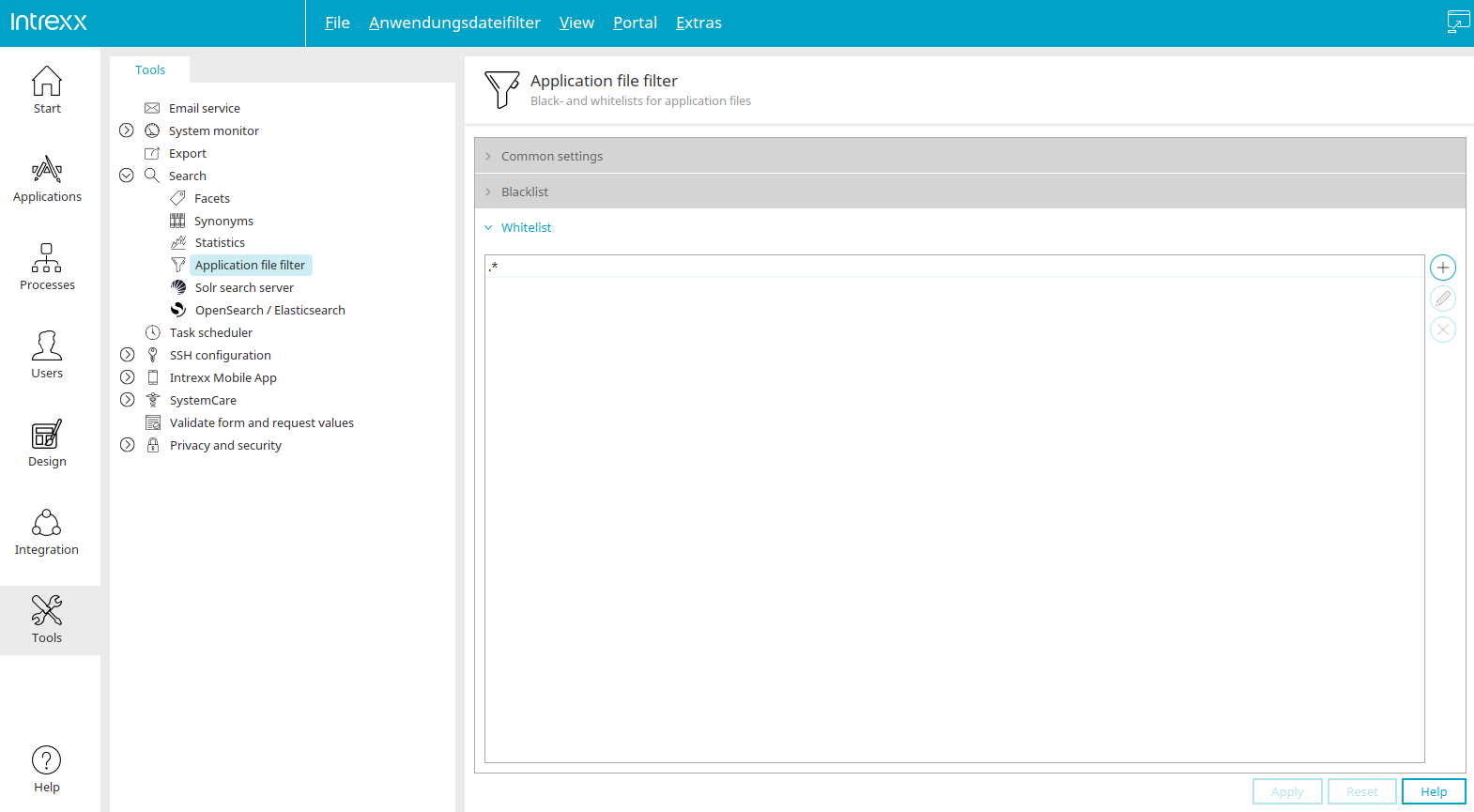
All files that match a pattern entered in the whitelist are included in the indexing process. The settings on this page correspond to the blacklist settings.
More Information
Settings in the "Tools" module
Search Configuration in Applications
Additional validation for the site-wide search in the "Design" module