

Filter - Calendar Filter
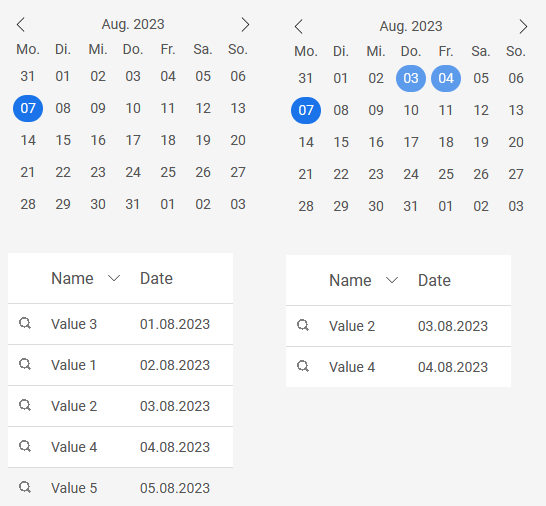
The "Calendar Filter" element belongs to the "Filter" element category.
With this filter, for example, a view table that is linked to the filter via a dependency can be filtered by dates.
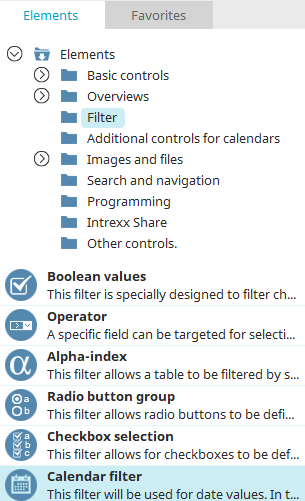
You can find the "Calendar Filter" in the "Applications" module under "Elements. " You can create a new filter by dragging and dropping the element from here onto the workspace.
You can find all the information you need to create elements here.
The filter's Properties dialog box opens automatically when the filter is created. You can open the Properties dialog box for an existing filter by double-clicking the element on the workspace, selecting "Properties" from the context menu, or choosing "Edit / Properties" from the main menu when the filter is selected on the workspace.
"Calendar Filter" Properties
General
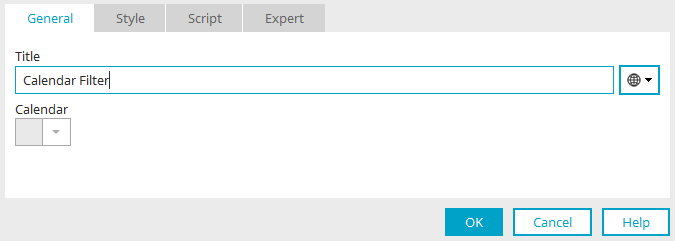
Title
Enter the title of the element here. You can find information about multilingual titles here.
Calendar
Select the calendar or resource item here that you want to control using the filter.