

Filter - Alpha Index
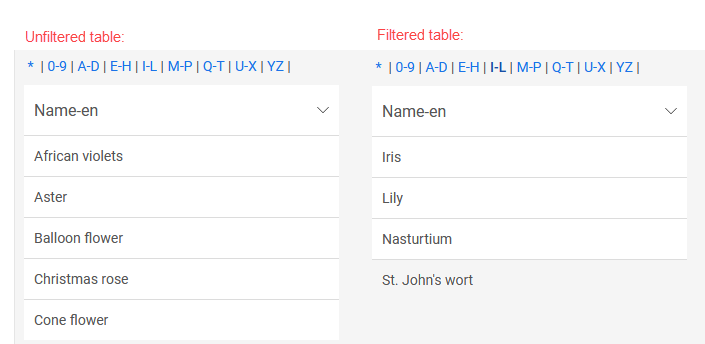
The "Alphaindex" element belongs to the "Filter" element category.
With this filter, for example, a view table that is linked to the filter via a dependency can be filtered using a customizable index consisting of groups of letters and numbers.

You can find the "Alphaindex" filter in the "Applications" module under "Elements. " You can create a new filter by dragging and dropping the element from here onto the workspace.
You can find all the information you need to create elements here.
The filter's Properties dialog box opens automatically when the filter is created. You can open the Properties dialog box for an existing filter by double-clicking the element on the workspace, selecting "Properties" from the context menu, or choosing "Edit / Properties" from the main menu when the filter is selected on the workspace.
"Alphaindex" Filter Properties
General
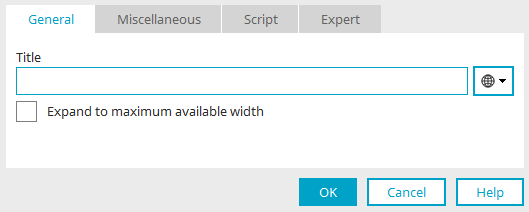
You can find all the information about this dialog here.
Miscellaneous

Number of letters per group
Specifies the number of letters to be grouped together.
Show Numbers
The numbers 0 through 9 can also be included in the index.
Number of numbers per group
Specifies how many of the digits from 0 to 9 are grouped together.
Tab View
Each group of letters or numbers is displayed on its own tab.