

Expert Mode in the "Design" module
Turn on Expert Mode
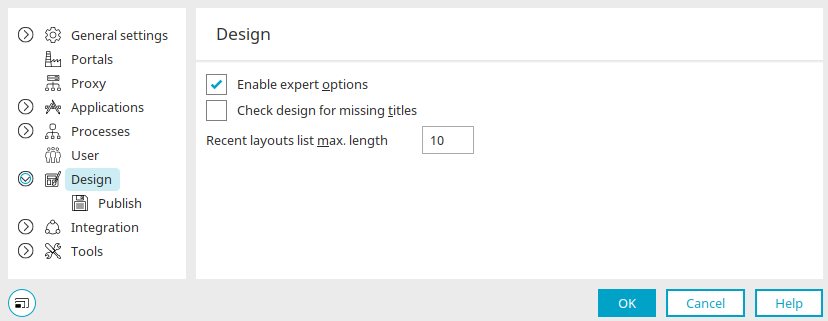
You can access the dialog box where you can enable the expert options via the main menu: "Tools / Options / Design. " Simply select the "Enable expert options" setting here.
Check the design for missing titles
Causes the design to check for missing track entries in other portal languages when it is opened.
Maximum size of the "Recent Layouts" list
Here, you can specify how many of the most recently edited layouts will be displayed in the Layout Manager when you click the "Most Recently Edited" link there.
Here, you can specify how many of the most recently edited layouts will be displayed in the Layout Manager when you click the "Recently Edited" link there.
Details
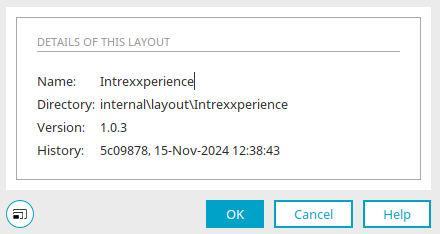
In Expert Mode, the "Design" module also includes the Details dialog, which provides information about the layout's name and the directory where it is saved.
Edit Stylesheet
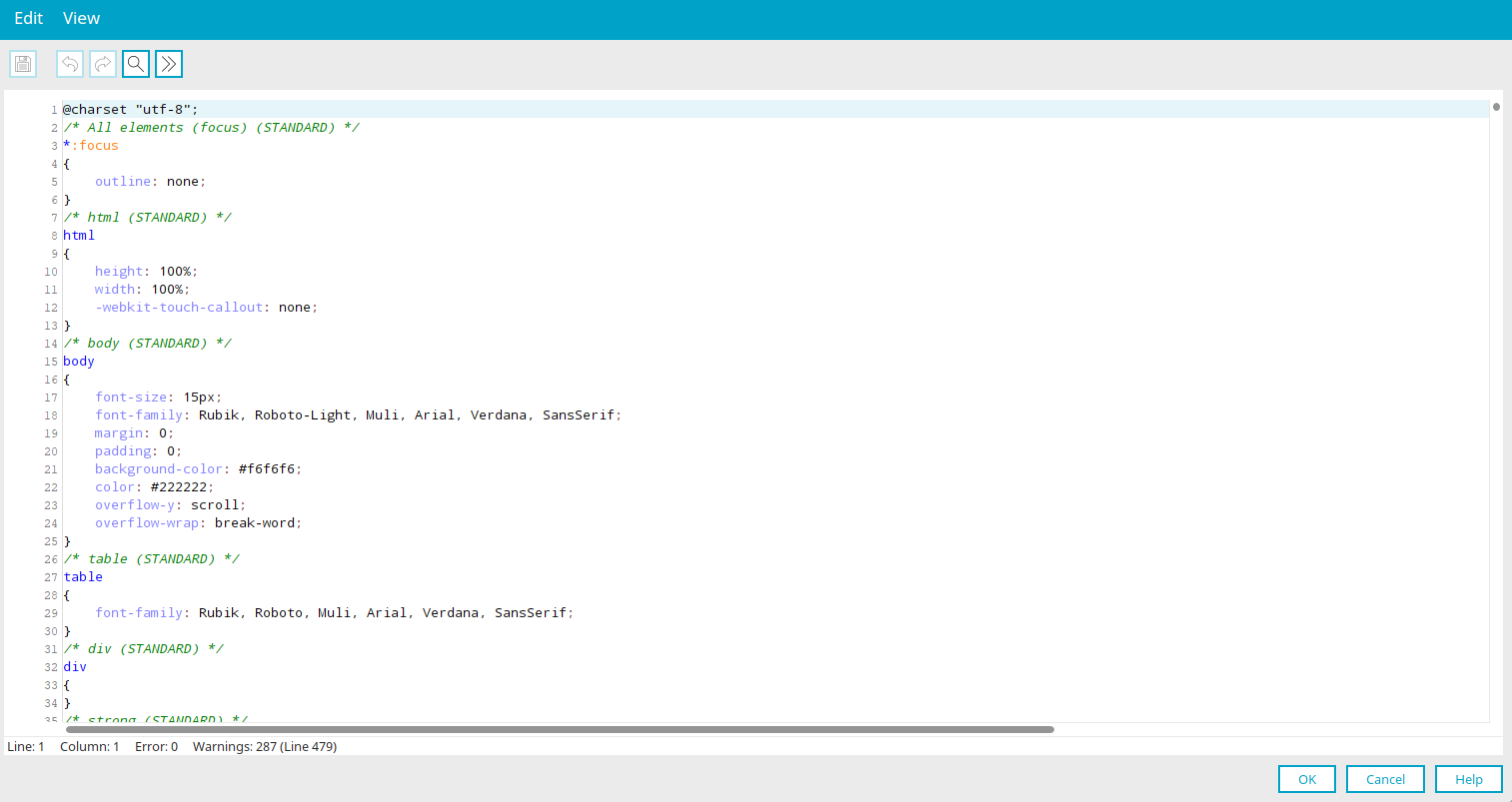
If the expert options are enabled, you can use the "Edit / Edit Stylesheet" option in the main menu to edit CSS files that contain style classes in the stylesheet editor.