

Navigation
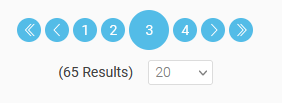
The navigation element allows you to scroll through existing records. Below the buttons that allow you to load individual pages of records or scroll forward and backward, the result—the total number of records—is displayed. To the right of that, you can set how many records should be displayed per page.
All elements on the page where the navigation element is located are updated with each movement and display the values of the record that has been scrolled to.
The "Navigation" element belongs to the "Search and Navigation" element category.
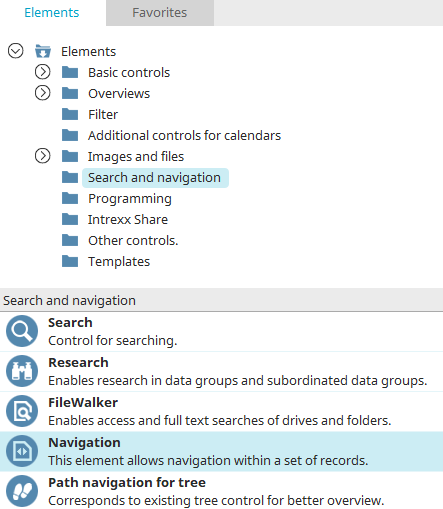
You can find the navigation element in the "Applications" module under "Elements. " You can create a new element by dragging and dropping it from here onto the workspace.
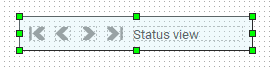
The element consists of a group containing four individual buttons and the status indicator.
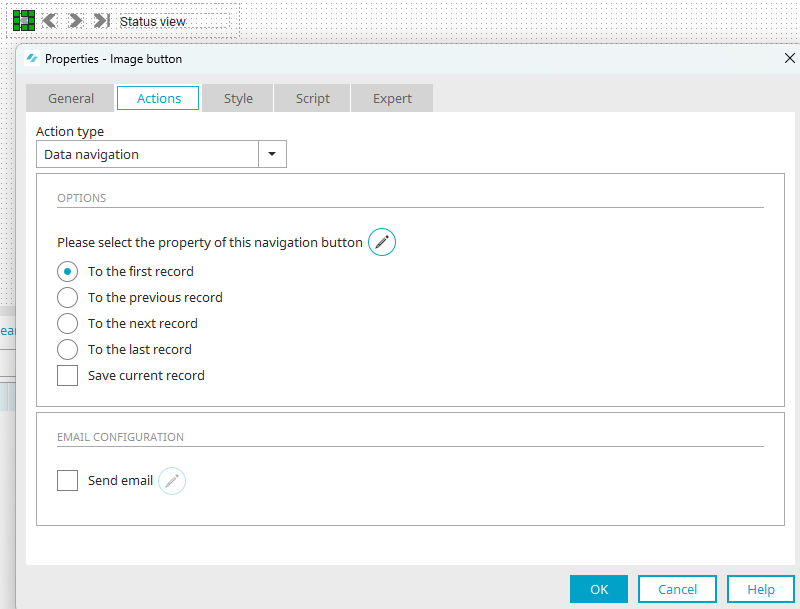
Double-clicking one of the buttons opens the Properties dialog box. The buttons are pre-assigned to the "Record Navigation" action. You can find all the information about the settings in this dialog box here.