

Organization
You can access the configuration dialog for organizational settings in the "Users" module via the main menu: Users > Configuration > Organization.
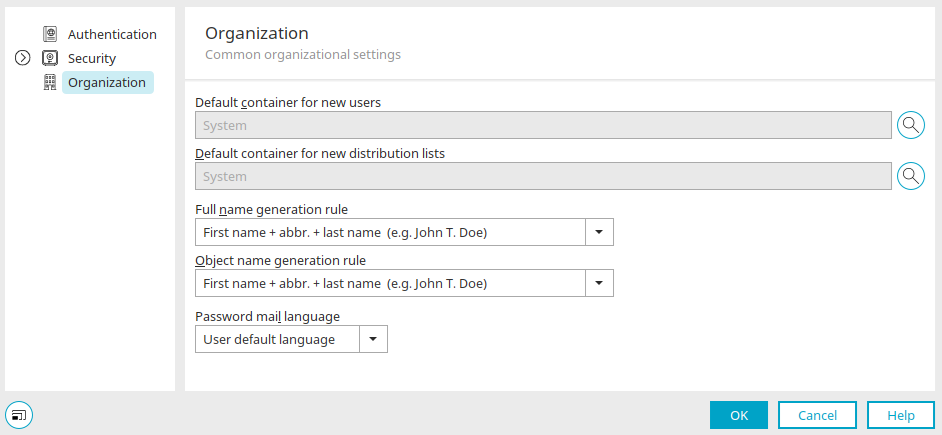
Default Containers for New Users / New Distribution Lists
When new users or distribution lists are created in the system application via a browser, they are sorted into the container selected here.
 Select
Opens a dialog box in each case where a container can be selected.
Requirement for full name
Specifies how the full name is derived from the first name, 2. First and last names should be combined to form "."
Language of Password Emails
Specifies the language in which the notification email for new passwords—sent via the main menu under Edit / Change or Generate Password —should be written.