

Main Menu in the "Tools" Module
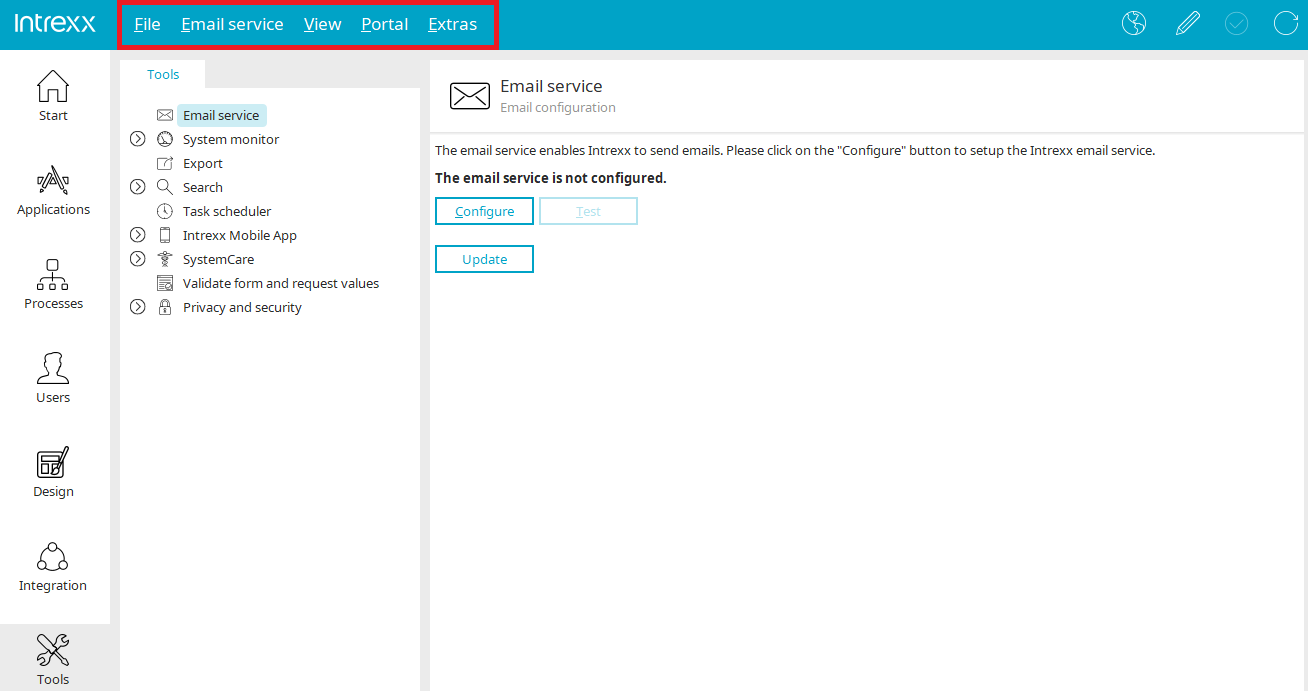
File
You can find all the information about this menu item here.
Email Service
You can find all the information about this menu item here.
Export
News
Here you will find the log file for the portal export.
Delete
Deletes the currently selected export from the list. The export files are retained in the process.
Configure
Opens a dialog box where you can edit the configuration.
Start
Start the portal export.
Task Planning
You can find more information here.
Intrexx Mobile App
API Key / Configure
This menu is accessible when the API key entry is selected in the left pane. Opens a dialog box where you can enter an API key.
Intrexx Mobile App / View Details
This menu is accessible when the "Mobile Devices" entry is selected in the left pane. Opens a dialog box that displays the details of a registered device.
Intrexx Mobile App / Remove Device
Removes the mobile device currently selected in the right-hand pane from the registry.
Intrexx Mobile App / Test Registration / Test All Registrations
Checks whether the mobile device is still registered with Firebase.
View
View Modules
Toggles the visibility of the area where a tool can be selected.
View Session Activity
Displays the graphical representation of session activity.
View Database Activity
Displays the graphical representation of database activity.
View Memory Usage
To view the graphical display in this area, the Performance Monitor must be enabled.