

Authentication
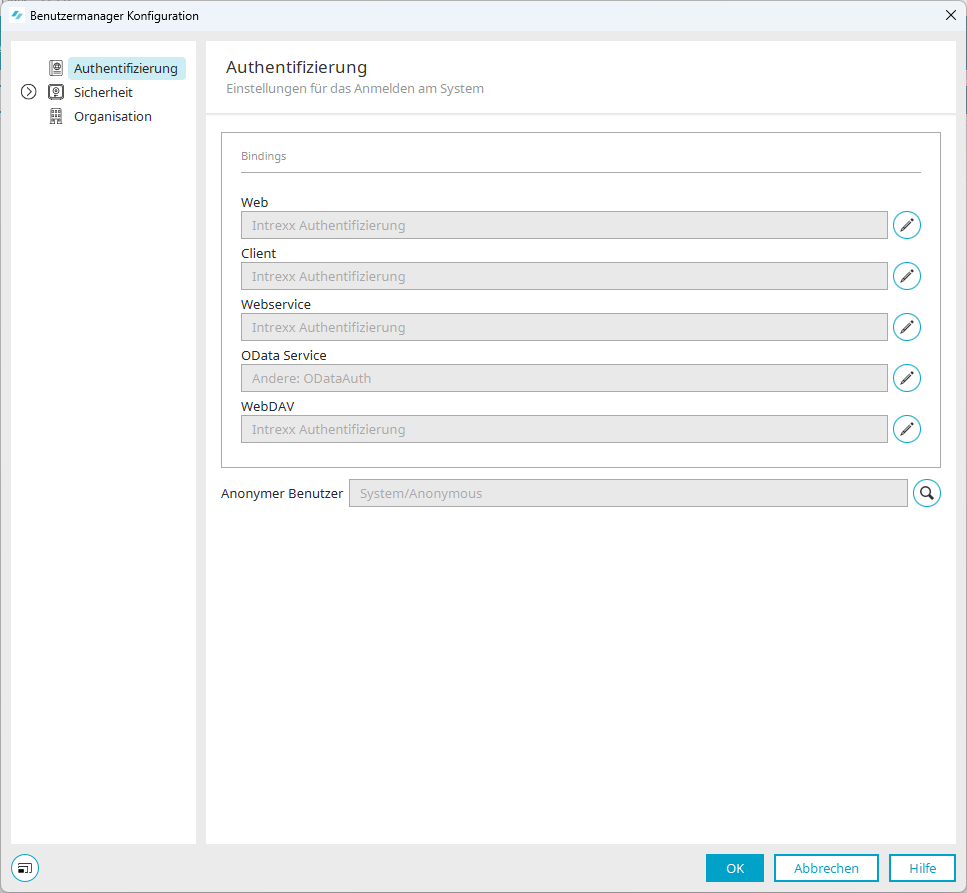
You can access the authentication configuration dialog in the "Users" module via the main menu: Users > Configuration > Authentication.
Starting with Intrexx version 12.2.0
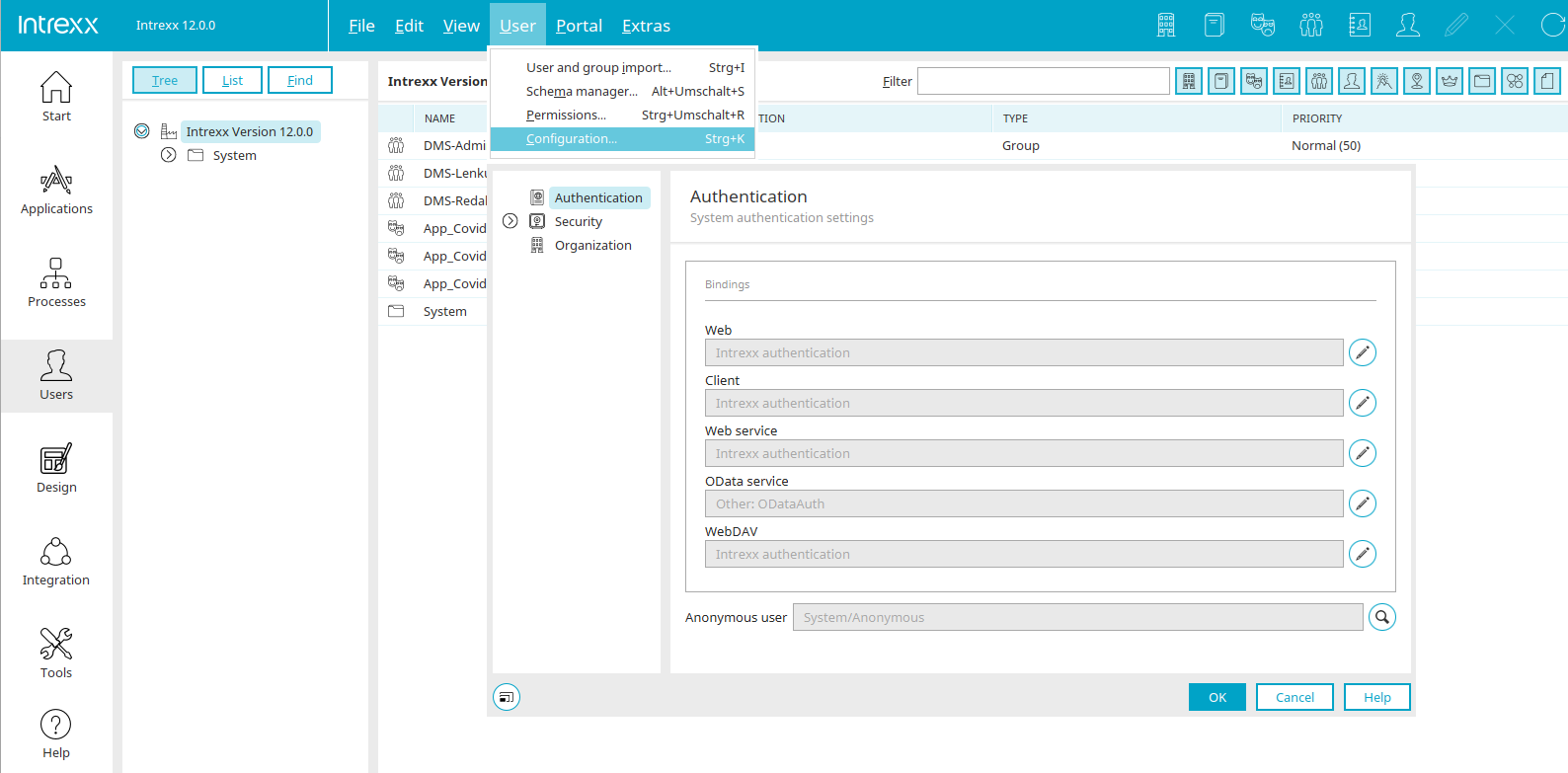
Bindings
Web, Client, Web Service, OData Service
The currently configured authentication is displayed here.
 Edit Authentication Section
Opens a dialog box where you can set the authentication type.
Anonymous User
The currently defined anonymous user is displayed here.
 Select an anonymous user
Opens a dialog box in which a user can be selected from the "Users" module to be used as an anonymous user.
More Information