

User
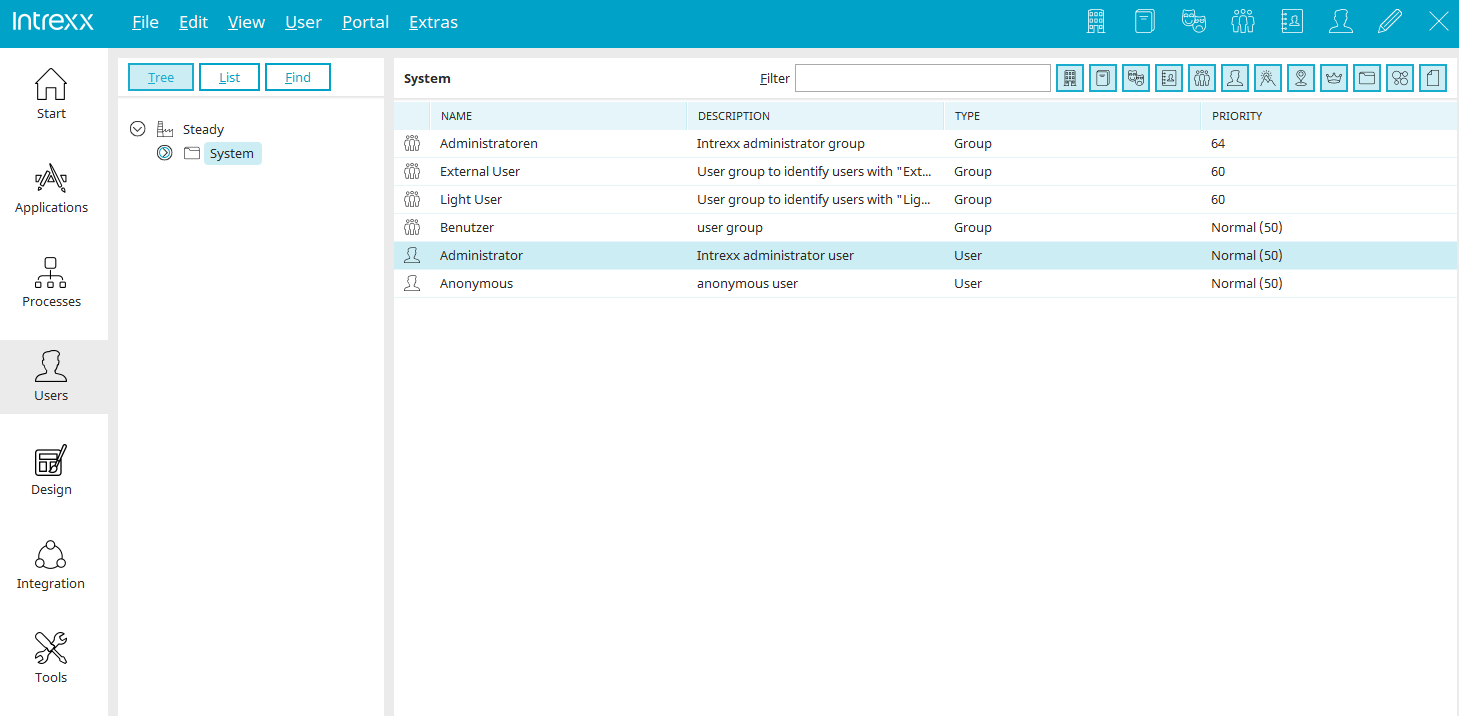
You can access the "Users" module via the module bar in the open Intrexx Portal Manager.
Here, all user objects can be mapped within a custom organizational structure. You have access to a highly flexible data model that can be customized by defining your own object classes.
Users and the organizational structure can be set up directly in Portal Manager. If users are already managed in another directory service (Active Directory / LDAP), Intrexx also offers the option to import the data.
Intrexx supports automatic synchronization, so that data can continue to be managed centrally in Active Directory and automatically take effect within the integrated authorization model. In addition to the information from the directory service, you can create additional users, roles, and groups.
This is particularly advantageous in scenarios with a mixed user base consisting of both external and internal users.
Delete User
If a user is deleted, the corresponding profile in Intrexx Share (version 2.0 and later) is deactivated. In older versions of Intrexx Share, the profile is deleted.