

Expert Mode in the "Users" module
Turn on Expert Mode
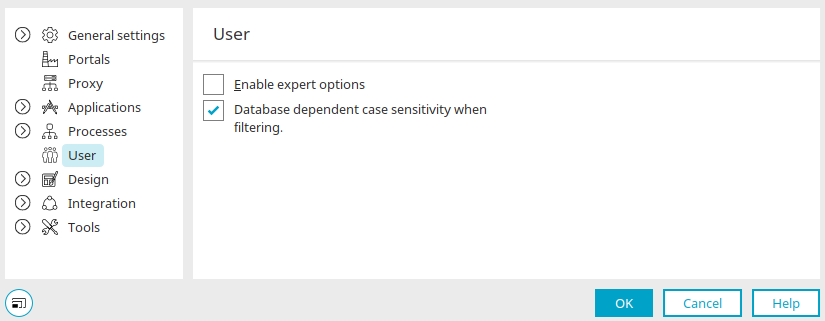
You can enable the "Enable expert options" setting via the main menu under "Tools / Options / User. "
Details
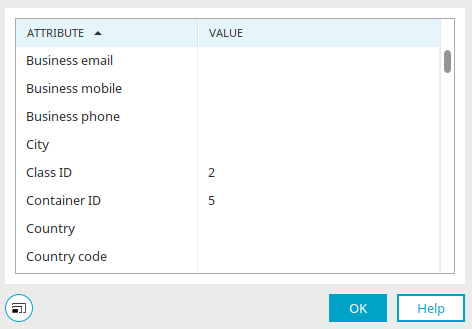
When Expert Mode is enabled, you can access the "Details" dialog box via the main menu "Edit / Details" or by pressing the F4 key when a user object is selected.