Security Policies

This application provides information about access rights to applications.
To learn how to import the template, see: Importing Online Application Templates.
You can find general information about application rights here: Application Rights.
Roles
When the template is imported, a role is automatically created.
App_Policy_User
As a member of this role, you can use the Security Policies app.
To learn how to add portal users as members to this role, see: Roles and Permissions in Application Templates.
The app's home screen displays all the applications available in the portal. The tiles contain the following information:
-
Number of data groups
-
Number of pages
-
Date of Last Update
-
Application Version
Clicking on a tile opens the details page.
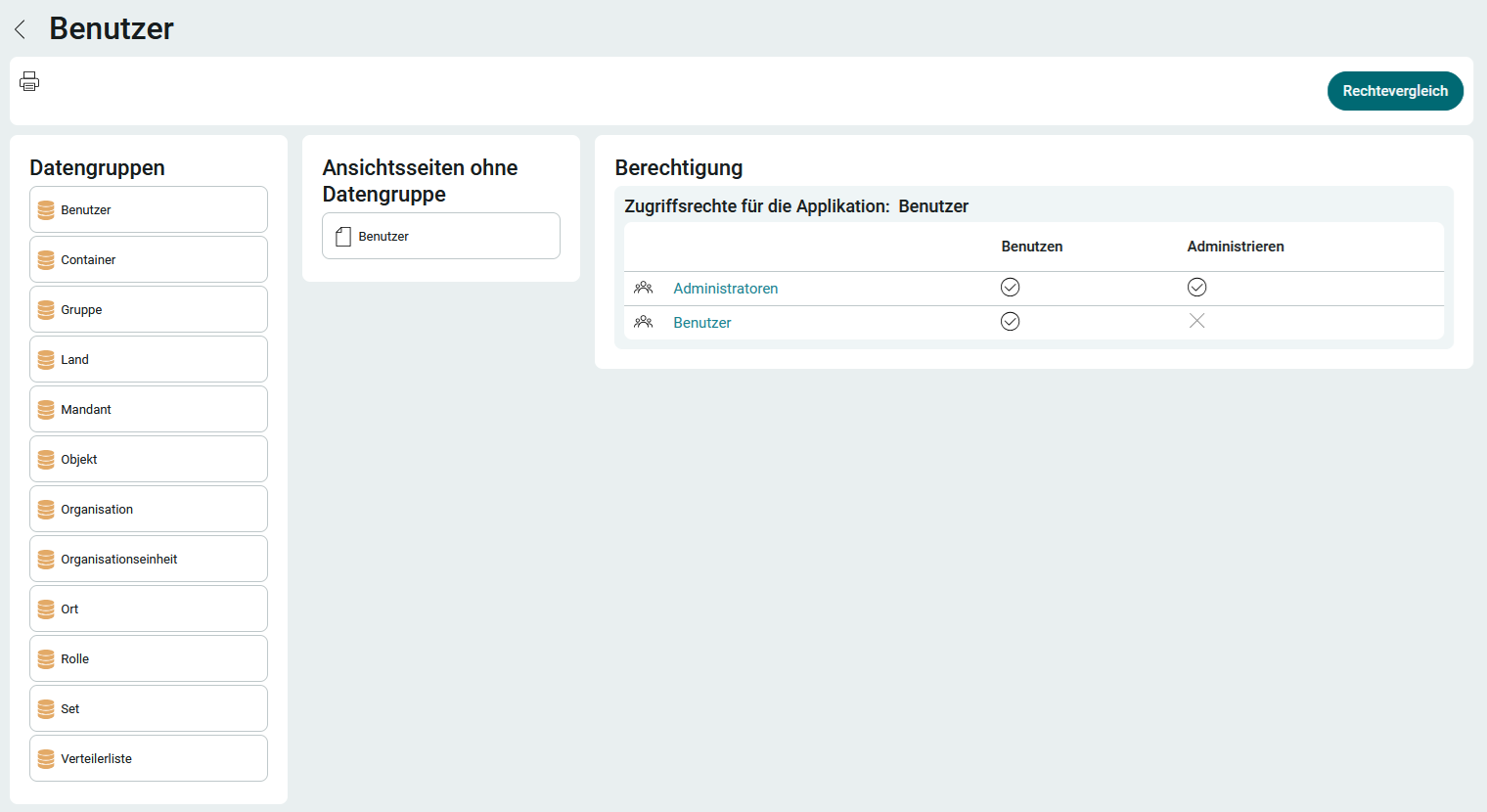
Click here on a data group or page to view the permissions.
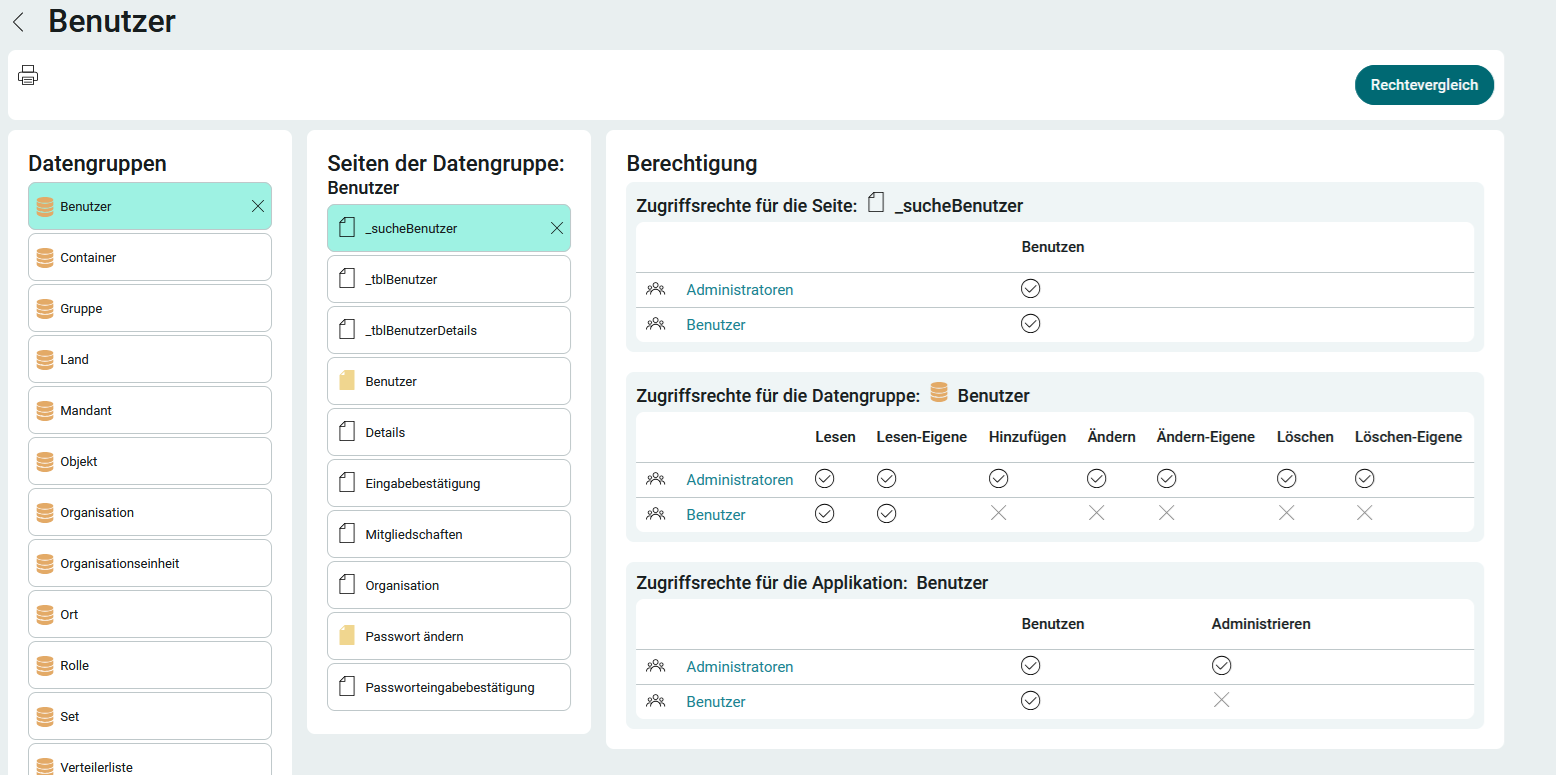
In the upper-left corner, you'll find the "  " button, which you can use to print the current page.
Comparison of Rights
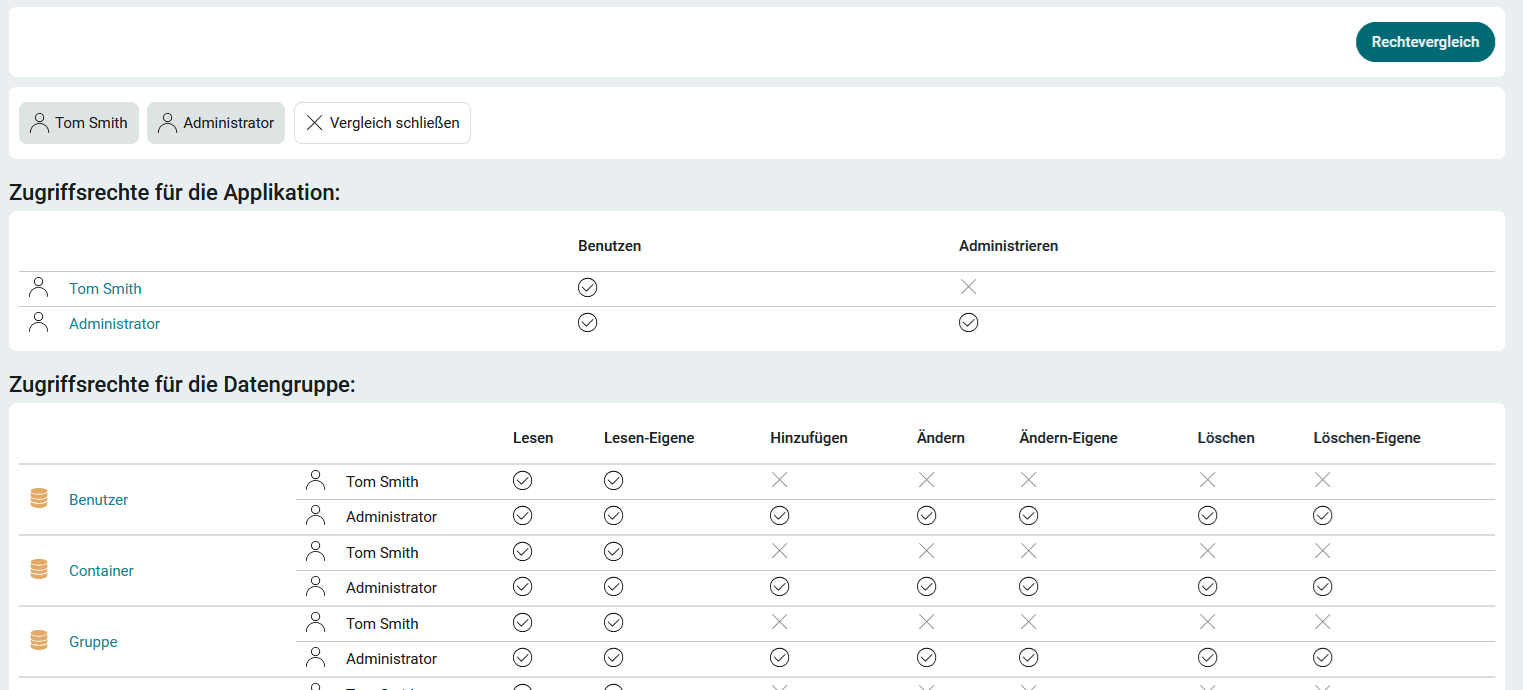
You can compare the permissions that users, groups, roles, etc., have for applications by clicking " Permission Comparison ."
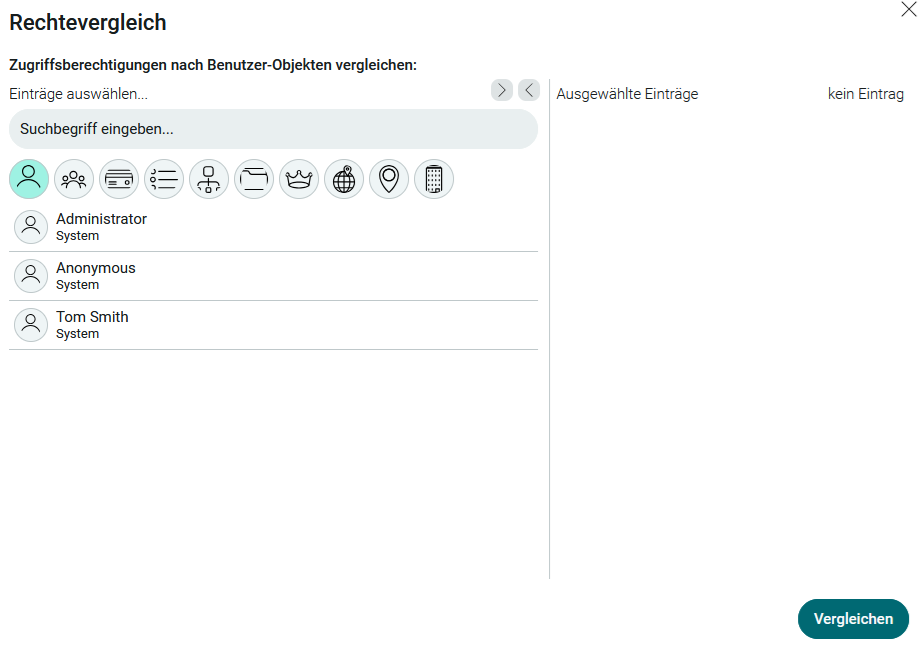
Double-click the users whose permissions you want to compare to move them to the " Selected Entries" list. Click " Compare."