

Import Online Application Templates
Step-by-Step
To import an online application template, follow these steps:
-
Start the Applications module.
-
Select File > New Application from the main menu.
The Application Manager appears.
-
Click the " Templates & Solutions" menu item.
The online application templates are displayed in the right-hand pane of the dialog box.
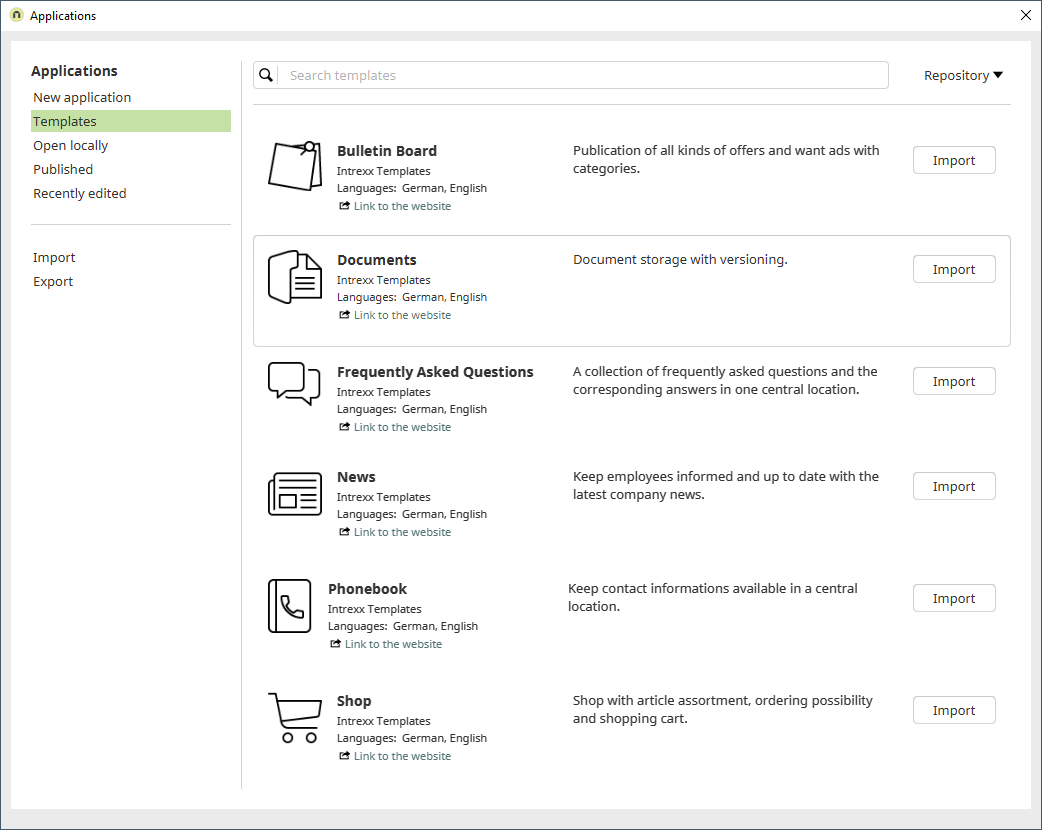
An Internet connection is required to view and select the online application templates.
The online templates displayed are continuously updated by Intrexx GmbH. You do not need to update Intrexx for newly released application templates.
-
Click "Import" to the right of the desired application template.
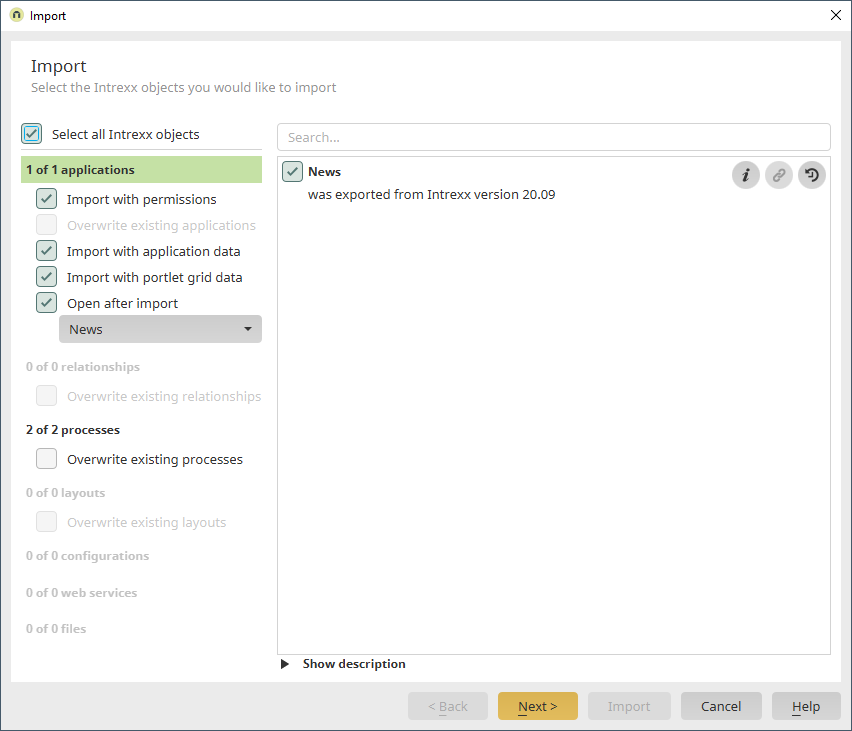
The import process for the selected online application template will begin.
-
Click "Next" in the following dialog boxes until you reach the "Import" dialog box.

-
Click "Finish."
-
(Optional) Select the "Edit menu structure after import" checkbox if you want to edit the placement of the new application in the next dialog box.
In the standard system, a newly created application is placed under the "System" menu item.
-
You will be taken to the Application Designer home page.
The online application template has been imported.
It can now be used immediately or serve as a basis for your own customizations.
