

Preparation
Members of the App_LeagueBettingGame_Manager role must perform the following actions before the prediction game is launched:
-
Rename the application and, if applicable, the standings portlet to match your league. For information on renaming applications, see here: Application Properties. For information on renaming the portlet, see here: Application Portlet.
-
Set up clubs and games.
-
Points are awarded for tips and match days.
-
Unlock betting players for registration.
Below are the instructions for the preparatory steps.
Clubs
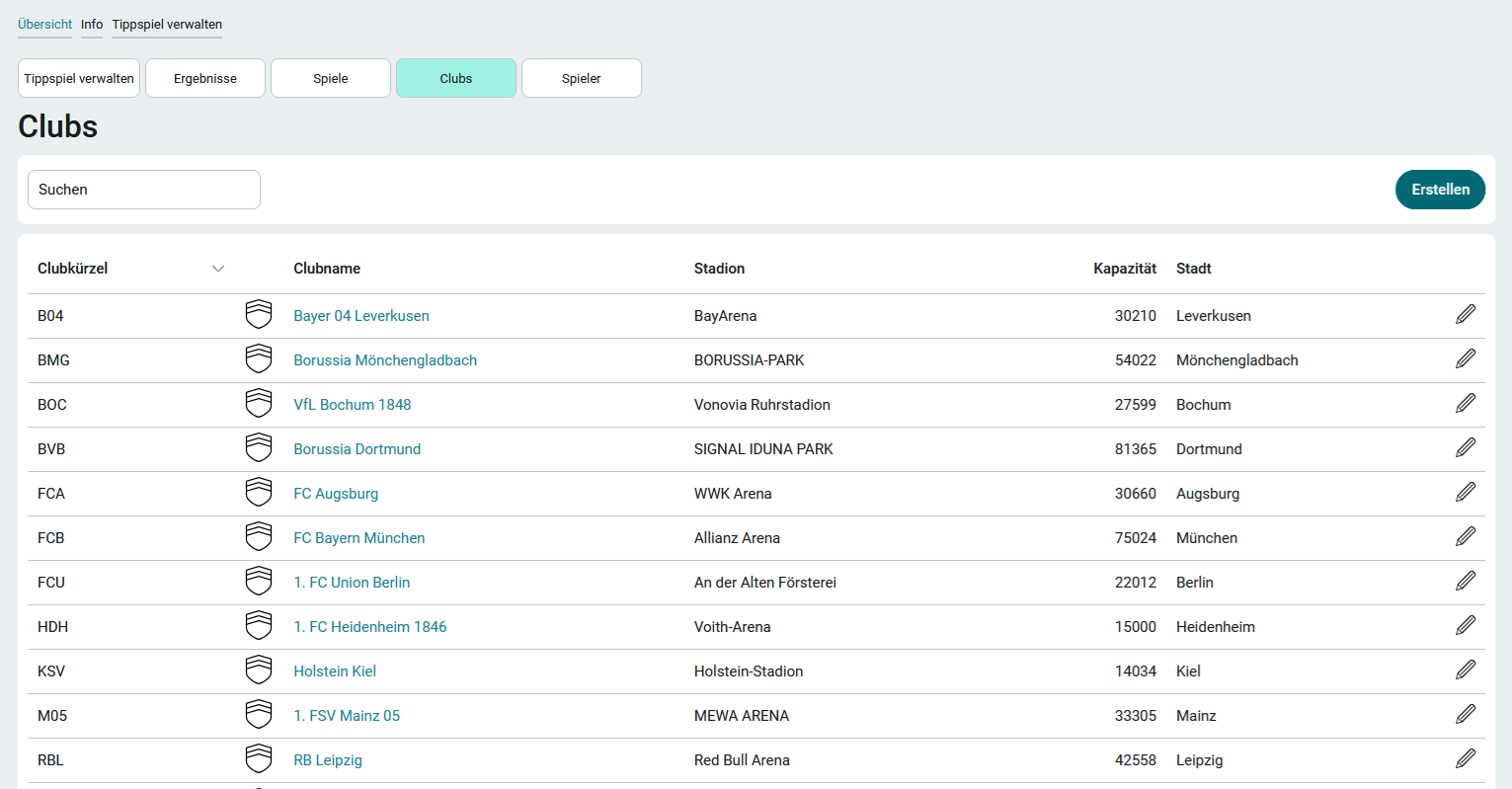
You can find this page under the " Manage Prediction Game" menu item.
The Bundesliga clubs for the 2024–2025 Bundesliga season are already listed here. To edit a club's information or delete it entirely, click "  " next to the club in the table. When deleting clubs, care must be taken to ensure that games that reference that club are updated or deleted.
If you want to create a new club, follow these steps:
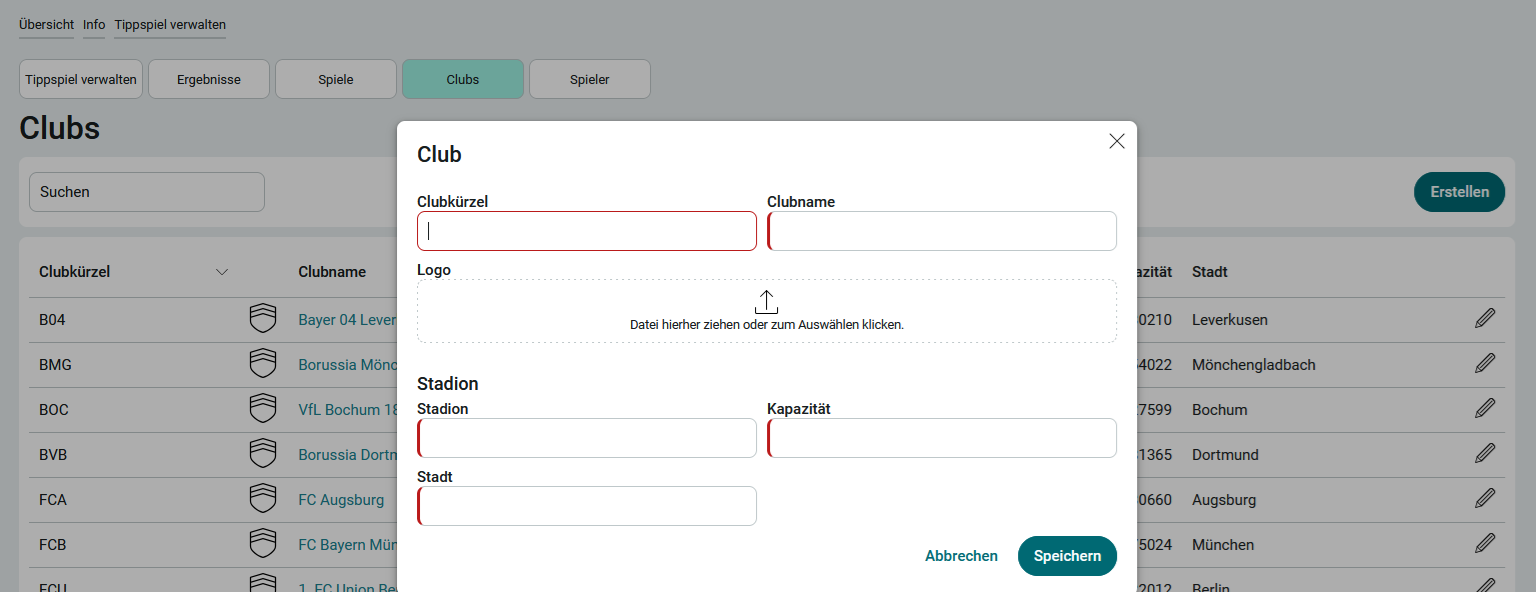
1. Click Create.
2. Enter the club information.
3. Click Save.
Games
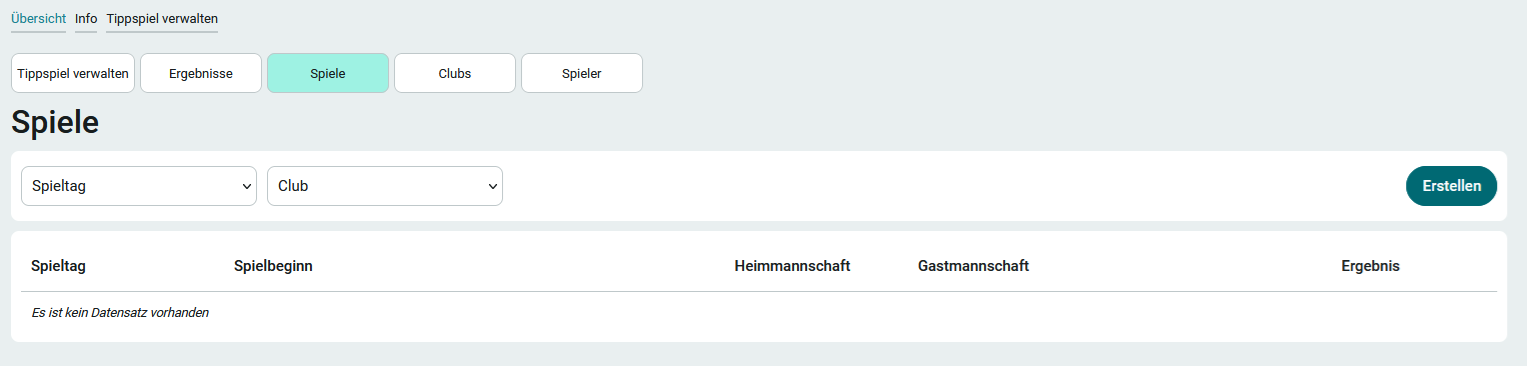
You can find this page under the " Manage Prediction Game" menu item.
1. To create a new game, click " Create."
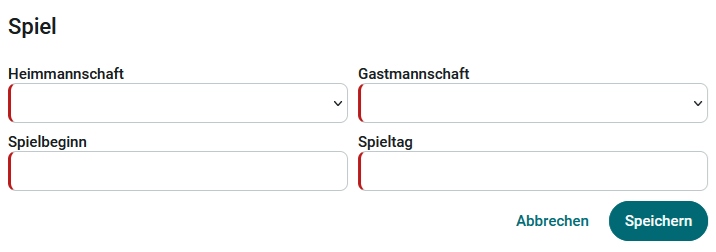
2. Enter the game data.
3. Click Save.
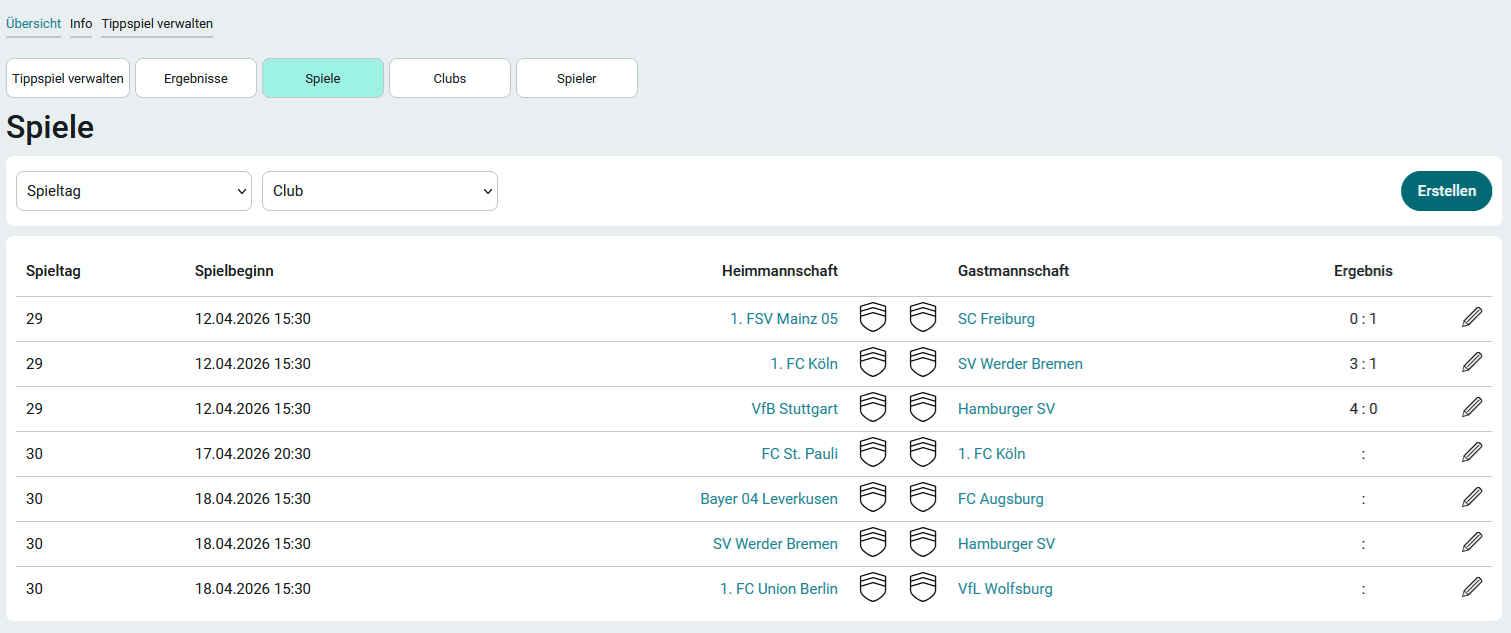
Game data can be edited by clicking " Edit " at .
Not all games have exact start times. Therefore, please adjust the exact game dates and kickoff times accordingly.
Manage Prediction Game
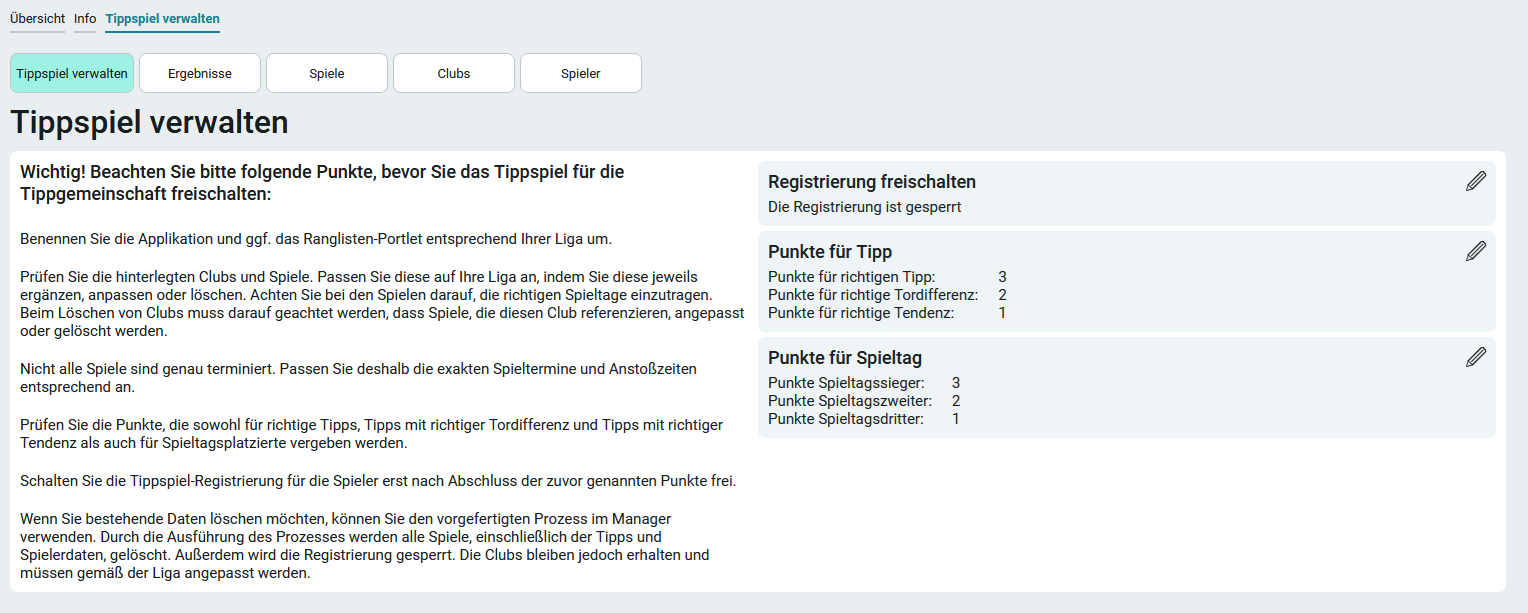
You can access this page via the " Manage Prediction Game" menu item. In the left-hand column, you'll find detailed information on how to prepare for the prediction game.
Points for a guess
On the right side of the page, you can set the points for tips by clicking " Edit " under " ."
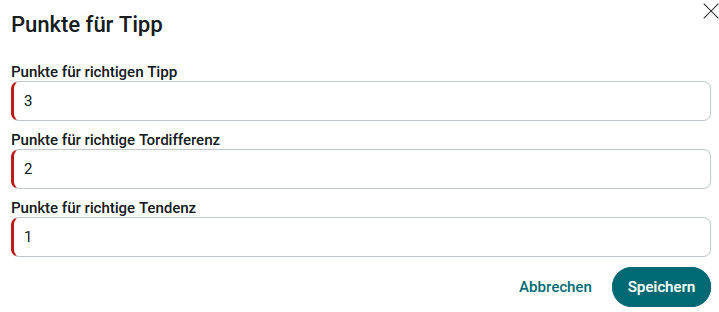
Points for a correct guess
Enter the number of points a player should receive here if they correctly predict the outcome of the game.
Example - Prediction: 3-2, Result: 3-2
Points for correct goal differential
Enter the points here that a player should receive if they correctly predict the winner of the game (outcome) and the goal differential.
Example - Prediction: 3-2, Result: 2-1
Points for Correct Trend
Enter the number of points here that a player should receive if they correctly predict the winner of the game (tendency).
Example - Prediction: 3-2, Result: 2-0
Points for Match Day
You can also edit the points for a matchday here by clicking on " " and selecting "Edit."
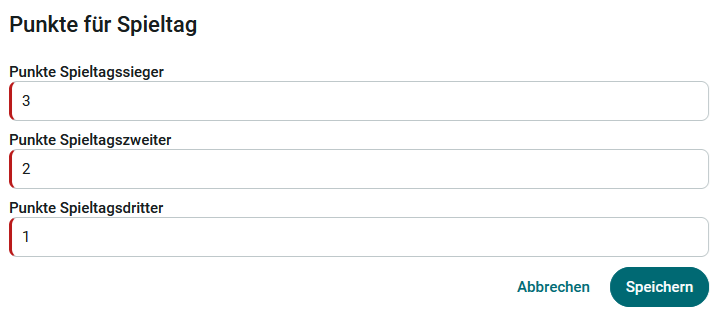
Here you can specify how many points the best, second-best, and third-best players of each matchday should receive in addition to the points they earned for your picks.
A player's performance on a match day is determined by the points they earn based on their predictions.
Activate Registration
Do not enable registration for the prediction game until the players have completed the steps mentioned above.
Please note that once registration for tipsters has been activated, the score can no longer be changed.
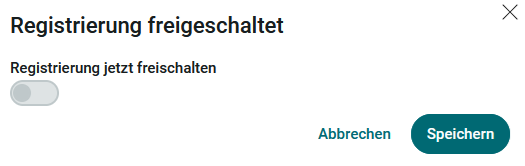
You can enable registration by clicking " Edit " next to " " on the right side of the " Manage Prediction Game " page.
Members of the App_LeagueBettingGame_User role can now register for the prediction game on the Overview page.