

This application template can be used to collect and provide frequently asked questions and their answers. To learn how to import the template, see: Importing Online Application Templates.
Roles
Roles are automatically created when the template is imported.
App_FAQ_User
As a member of this role, you can read questions and answers on the Questions and Answers page.
App_FAQ_Editor
Members of this role have all the rights of the App_FAQ_User role and also have access to the Editorial page, where they can create and edit questions and answers.
App_FAQ_Manager
Users with this role have all the rights of the App_FAQ_Editor role and can also create categories on the Administration page.
To learn how to add portal users as members to these roles, see: Roles and Permissions in Application Templates.
Editorial Staff
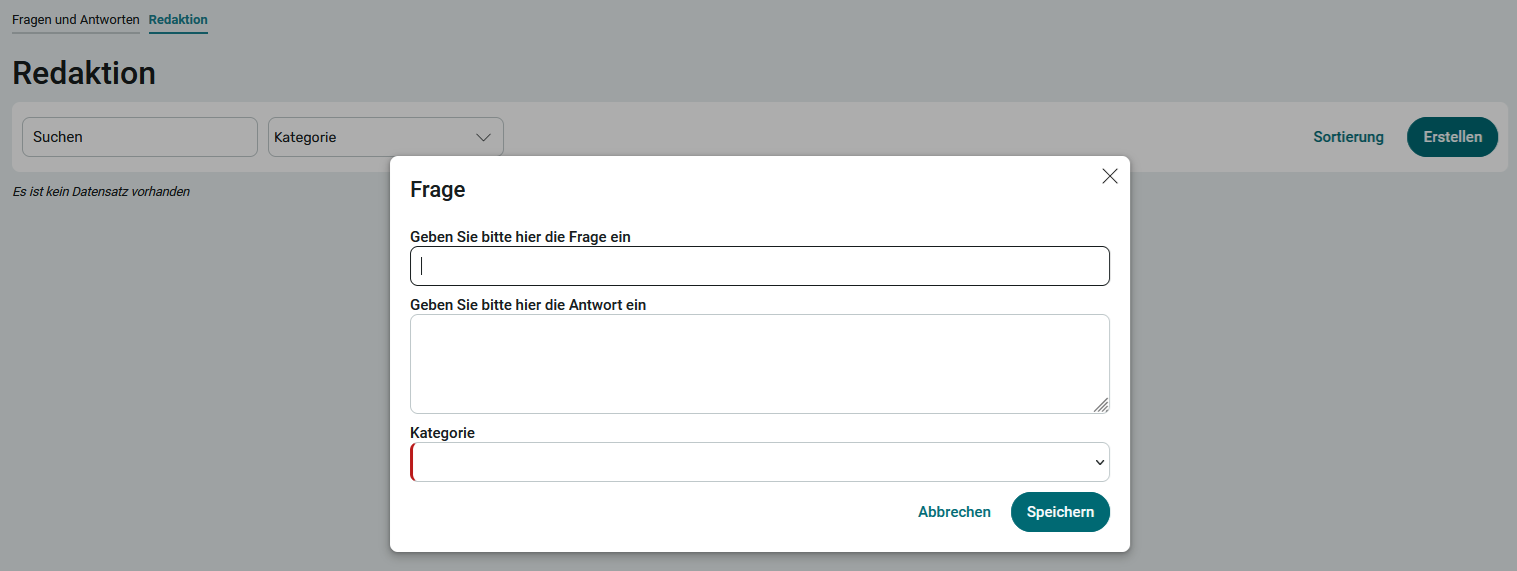
On this page, you can create questions and answers. To do this, click Create.
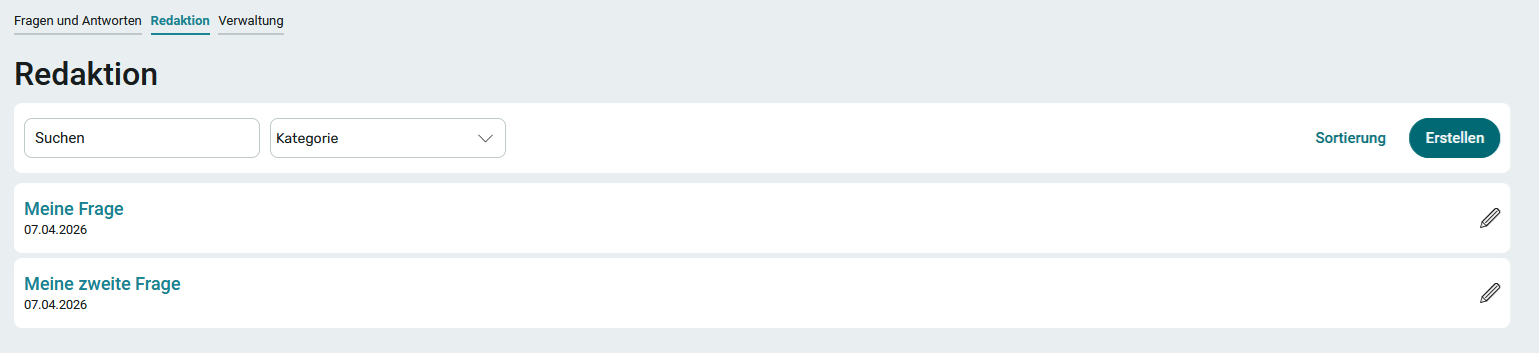
Click "  Edit " to edit the data again. You can also use this method to delete the entire question.
Questions and Answers
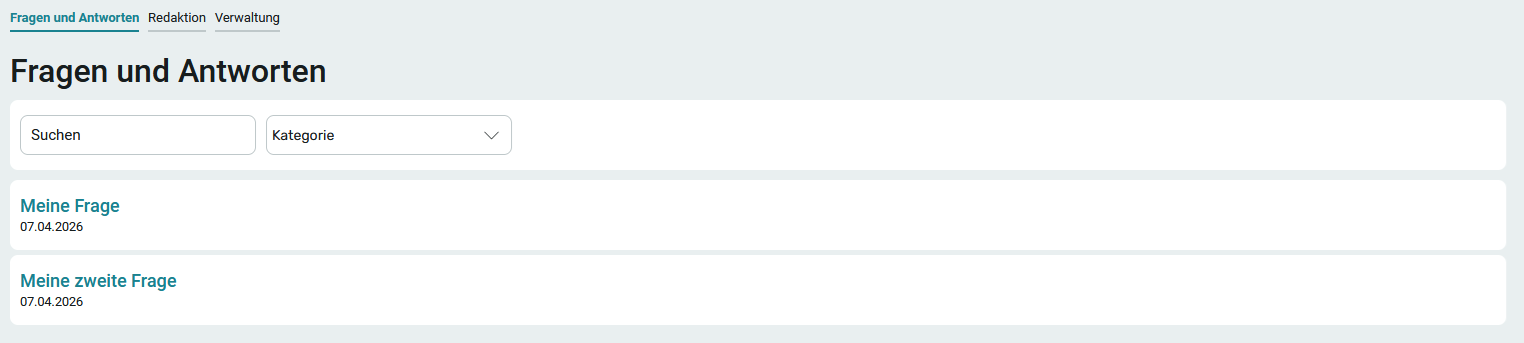
On this page, all users of the app can read the questions and answers. Clicking on a question reveals the answer. You can also search for terms and categories here, which will filter the questions accordingly.
Administration
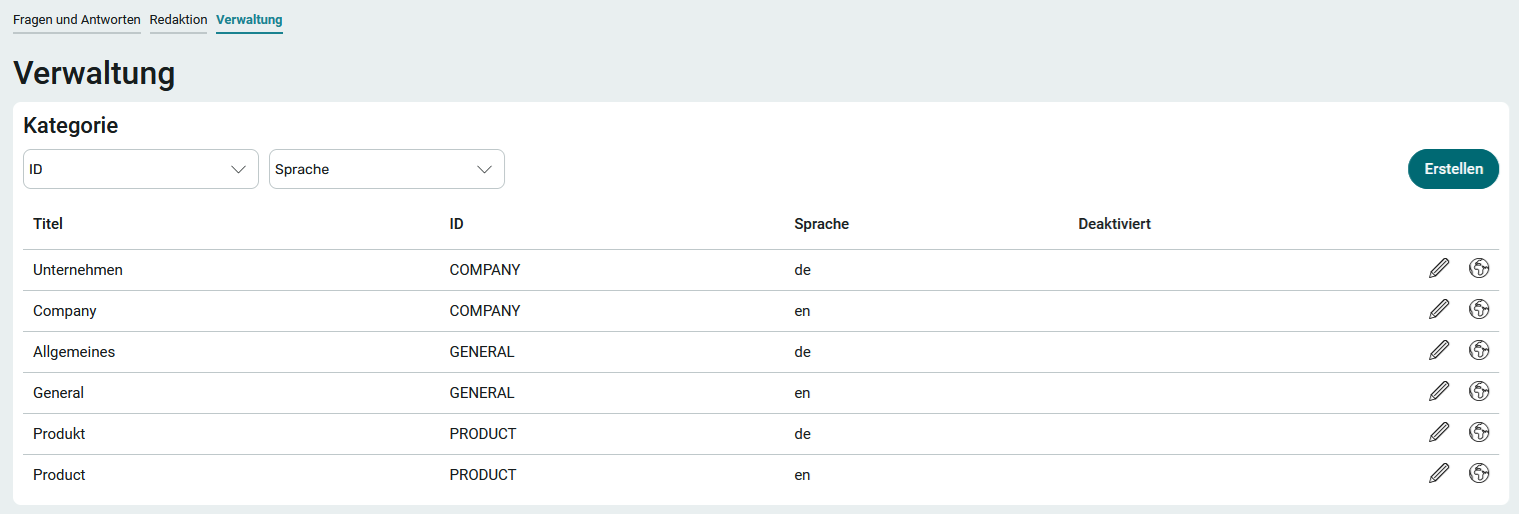
On the " Administration " page, you will find all categories if you have the appropriate permissions. You can edit the categories by clicking on " " and selecting " Edit ." You can create new categories by clicking "Create." Each category has an ID, which must be unique. Any characters can be used for the ID. Once saved, the ID cannot be changed.
Additional language variants can be created for existing categories. This allows the category to be translated into another language. You can find all the information on this topic here: Multilingualism.