

Online application templates are generally provided in German and English. If you use other languages in the portal, the apps can be translated accordingly.
For general information on how to enable additional languages in a portal, see here: Multilingual Support. There, you'll also learn how to translate page and element titles, as well as other text in the app.
Below are instructions on how to translate data entries—such as categories or statuses—in an app.
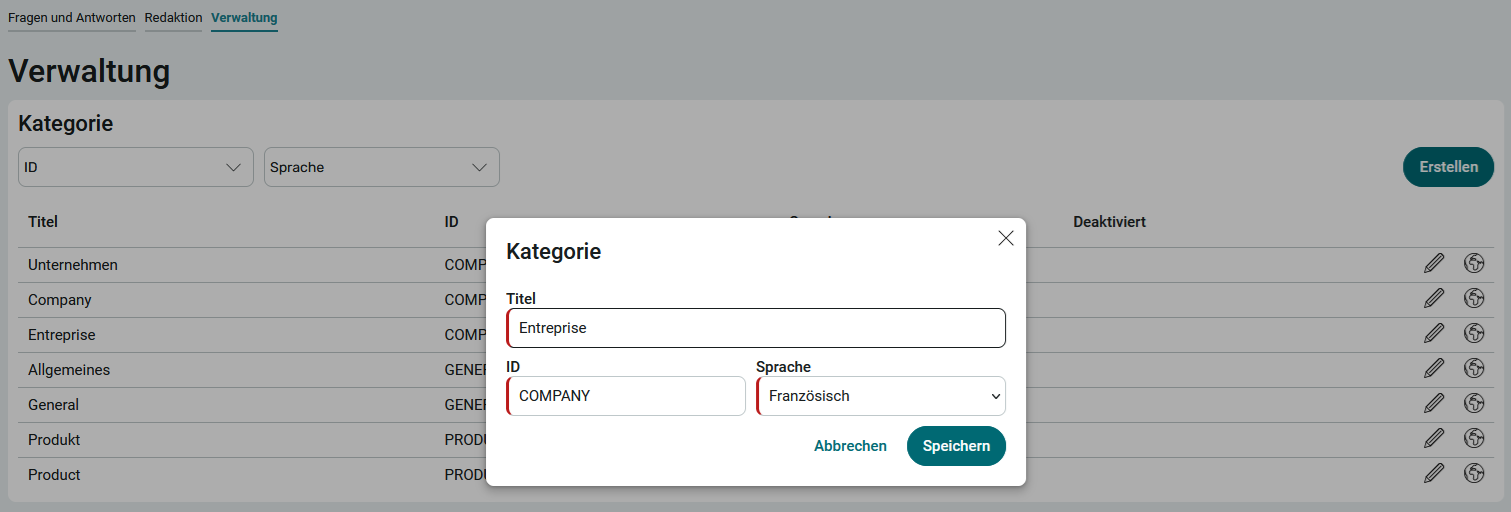
For example, if you want to translate the " Questions and Answers " categories into French in the app, follow these steps:
Step-by-Step
-
For an existing category, click "
 " and then "Add Another Language Version " on the Administration page.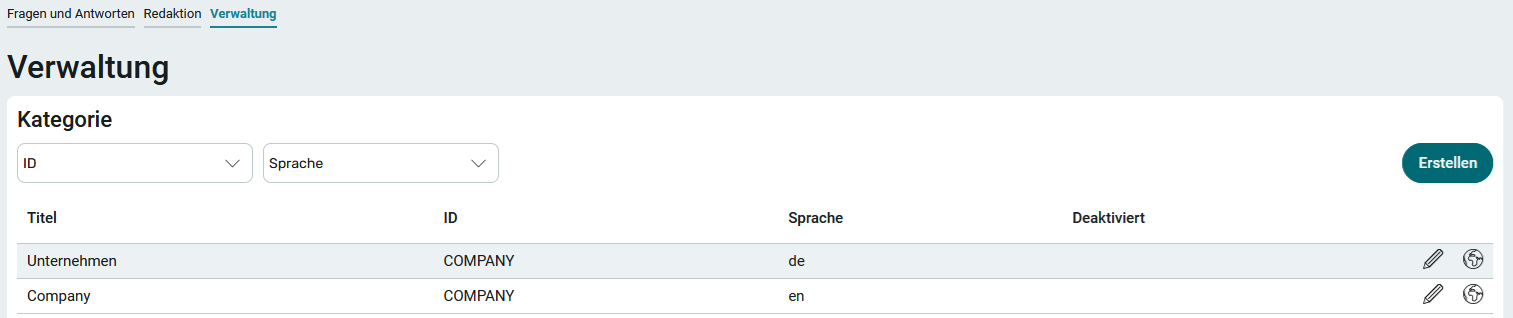
-
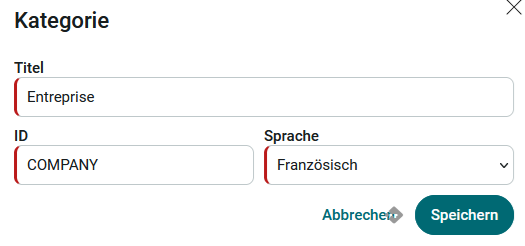
Enter the title in the desired language. The ID of the original " Company " category is already entered here.
Language variants must always use the same ID—so in this example, the German, English, and French language variants all have the ID COMPANY.
-
From the " Language " drop-down list, select the language into which the category should be translated.
-
Click Save.
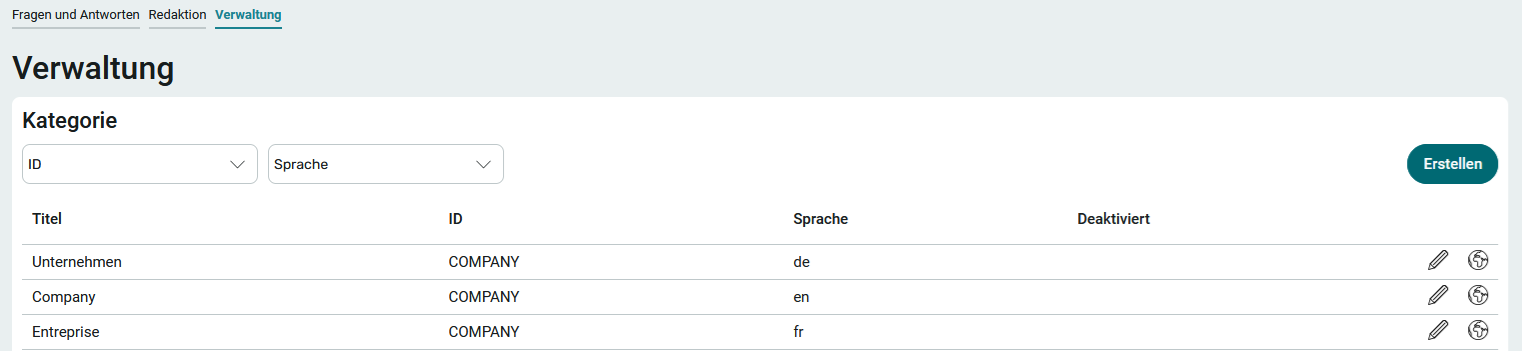
The new language option is now displayed in the category list.
Managing Data - Process for Older App Versions
The procedure described below is only necessary if you are still using version 1.0.3 of the application templates.
Step-by-Step
-
Go to the Processes module.
-
Select File / Open Process from the main menu.

-
Select the " Manage Data " process for the corresponding application template.
-
Double-click to open the process.
-
If the process is not yet enabled, click " " The process is disabled. Click here to activate the process:.

-
A confirmation dialog box appears.
Click Yes.
The process is now active.
-
Right-click the " Timer: Check Portal Languages " item (
 ).
).From the context menu, select " Start Global Timer Job " (
 ).
).
A confirmation dialog box appears.
-
Click Yes.
The Global Timer dialog box appears.

-
Click " Start Timer Job Now."
The " Start Timer Job Now " dialog box displays the updated status of the job.

-
Click Close.
You will return to the process display.
Refresh the page in your browser.
The newly added language is displayed.

You have added a language to the application template.