

Generate Password
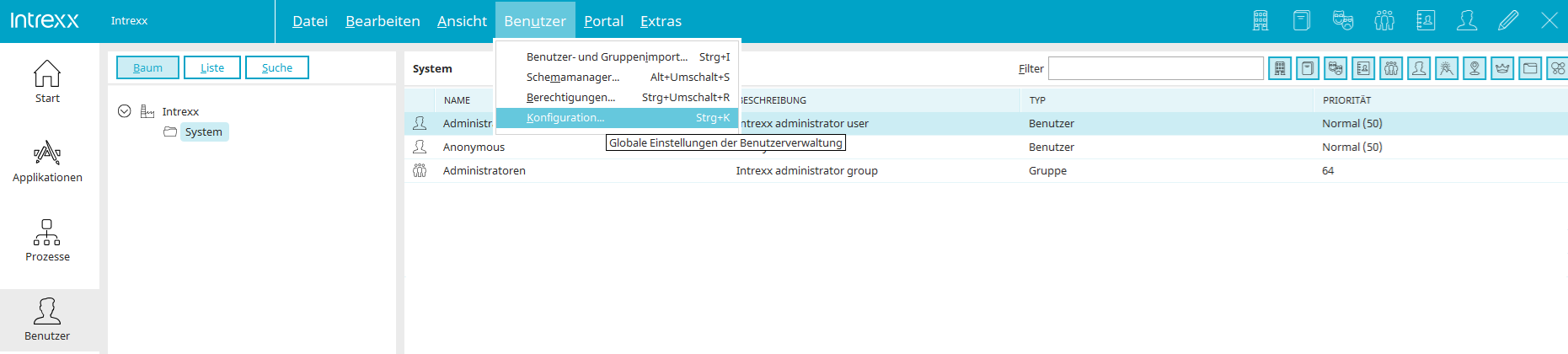
In the Users module, you can automatically generate passwords for the currently selected user by selecting New / Generate Password from the main menu or context menu. The new password will then be sent to you automatically via email. The text of the email is generated from the information in the file pwdmail_de.xml (German) or pwdmail.xml (English). In this process, the placeholders contained therein
-
URL: %w
-
Portal: %P
-
Username: %u
-
Domain: %d
-
Password: %p
implemented. In addition, the placeholder %a(<GUID of the data field from user management>) can be used to include additional user data in the email, such as
First name: %a{<GUID of the data field>}
Last name: %a{<GUID of the data field>}
The GUID of a data field can be determined in the Schema Manager. If you want to use additional portal languages, simply copy the pwdmail.xml file, add an underscore and the ISO language code to the filename (e.g., _fr for French), and modify the file contents accordingly. When sending emails, Intrexx automatically uses the file corresponding to the user's currently selected language.