

History
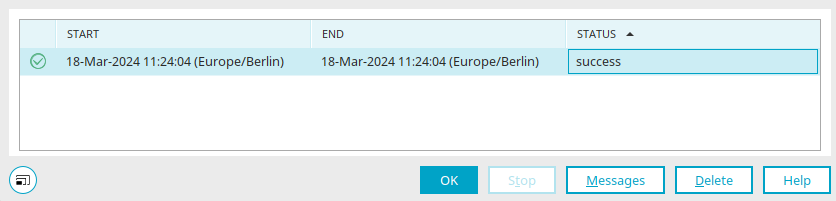
You can access this dialog box via the main menu "Edit / History" or the corresponding context menu for a data transfer that has already been performed. You can also find the history for user replications that have already been performed.
The first column displays an icon indicating whether the execution was successful or not.
Start/End Column
Displays the time at which the execution started or ended.
"Status" Column
Indicates whether the execution was successful or not.
Stop
Stops a running execution.
News
Opens a dialog box where you can view messages related to execution.
Delete
The selected entry will be removed from the list.