

With the IBM Lotus Notes connector, you can integrate data from IBM Lotus Notes databases into your web-based Intrexx platform—in real time. There, you can access the data through your application and integrate it into your processes. Your employees will then have individual access to it using any device they choose. For example, you can assign tasks to your employees that trigger further actions when completed or set off an automated reminder process if they are not completed. Or you can make each registered user's personal data—such as appointments and tasks—available to them in an application. In addition, this calendar can be used to populate an absence list on the platform that, for example, all employees can view.
Especially if you're planning to switch from IBM Lotus Notes, the Connector is the tool of choice for migrating your existing data and gradually implementing your current applications using Intrexx technology. Use Intrexx to build secure and stable applications based on modern technologies that can be customized and expanded as needed at any time, and unlock the potential of digital transformation.
Features at a Glance:
-
Migrating IBM Lotus Notes Data to an Intrexx Platform
-
Access in Intrexx applications and processes to all IBM Lotus Notes databases and the logged-in user's personal mail database
-
IBM Lotus Notes documents can be viewed, edited, deleted, and created
-
Integrating Data with Applications
-
IBM Lotus Notes Data Maintenance Using Intrexx Processes
-
No need to switch between the different systems
-
Web- and browser-based processing of IBM Lotus Notes databases
-
Distribution of IBM Lotus Notes Data Across Individual Web Applications and Processes
-
Sharing Documents via the News Feed in Intrexx Share
-
Quick and Easy Deployment of Web Services/REST Services Using IBM Lotus Notes Data
-
Migrating IBM Lotus Notes data to a modern platform that does not require the Lotus programming language
General Information
-
Intrexx accesses the IBM Lotus Notes or Domino server via the IBM Lotus Notes Java API using the Notes protocol DIIOP (Domino Internet Inter-ORB Protocol).
-
The HTTP and DIIOP services must be enabled on the Domino server.
Including the NCSO.jar library file
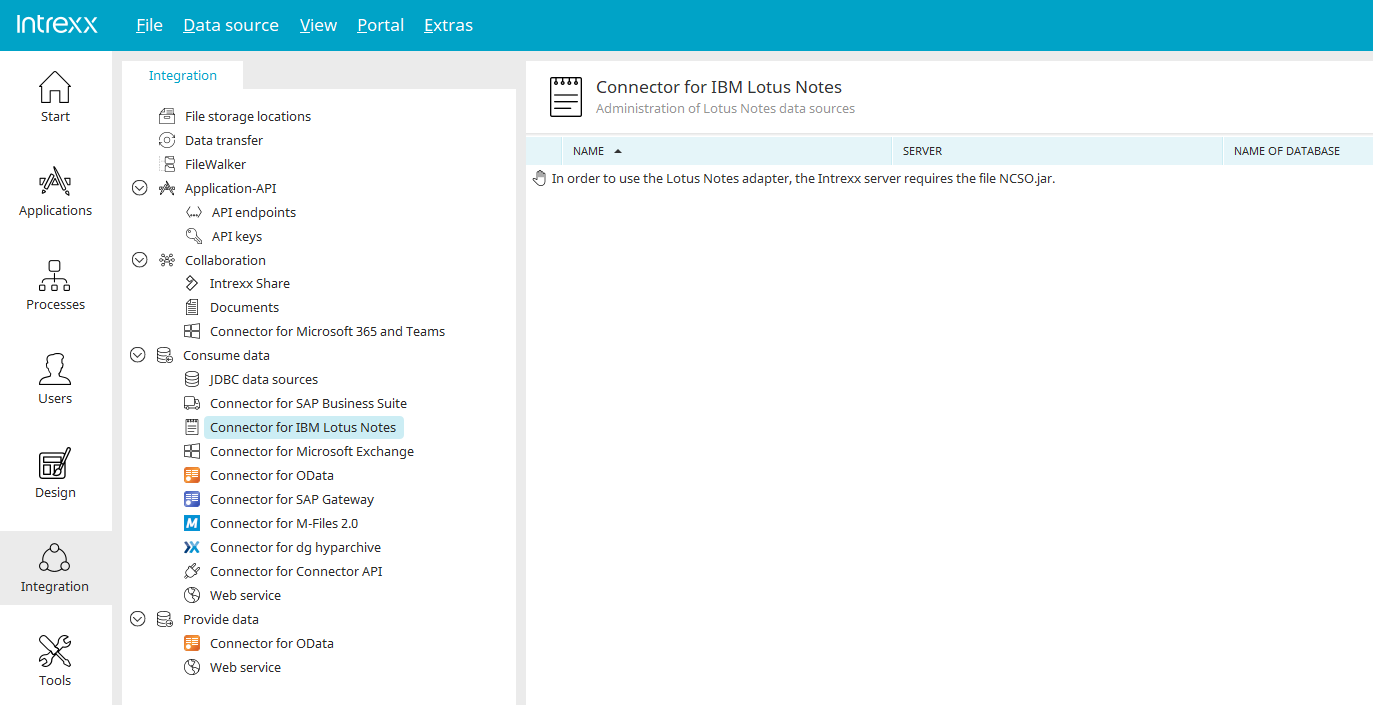
By integrating the IBM Lotus Notes interface and establishing a data connection via DIIOP (Domino Internet Inter-ORB Protocol), data (such as addresses or project data) can be imported from a Domino server. To do this, the NCSO.jar library file must be included. This file is included with IBM Lotus Notes. To register the library, please follow these steps:
-
Close the Portal Manager.
-
Stop all running portal services.
-
Copy the NCSO.jar file to the /lib installation directory.
-
Start the portal service(s).
You can now create an IBM Lotus Notes connection in the "Integration" module and then use the external data in applications and processes.