

Request Software
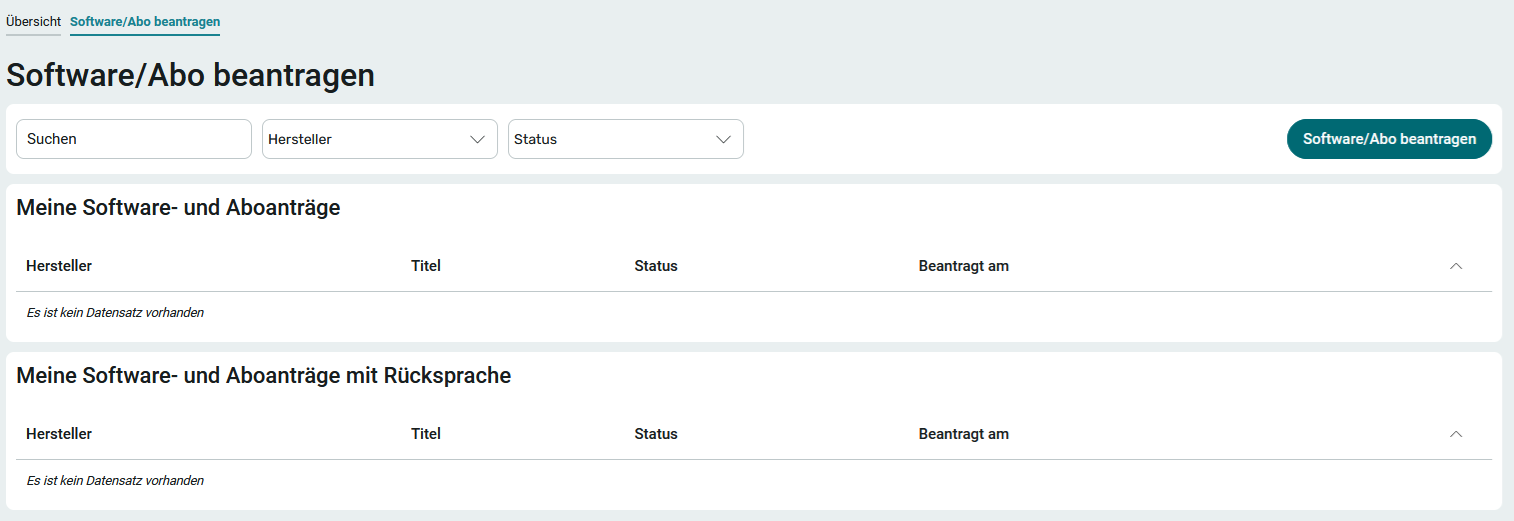
Applications can be submitted on the " Software/Subscription " page. To do this, the user must be a member of at least the App_LicenseManager_User role.
It has not yet been determined who will actually use the requested software at a later date. In the next step, a member of the App_LicenseManager_Editor role can request that users be assigned to licenses. You can find all the information you need here: Request License Assignments.
To request software or a subscription, follow these steps:
1. Click " Request Software/Subscription."
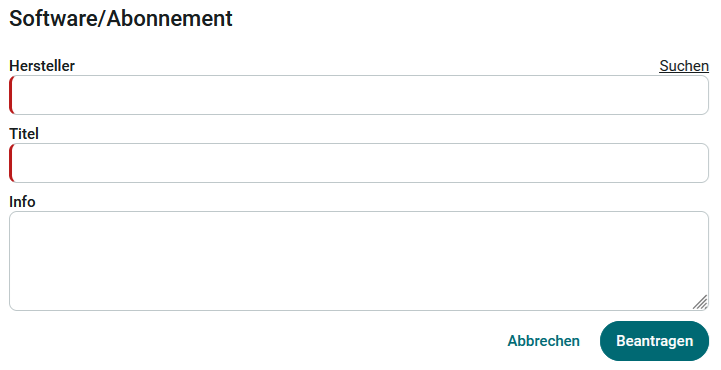
2. Enter the manufacturer and the title ( name) of the software. When you click " Search," manufacturers that have already been entered in previous applications will be displayed for selection. Optionally, additional information that may be helpful for procuring the software can be entered in the " Info " field.
3. Click " Apply."
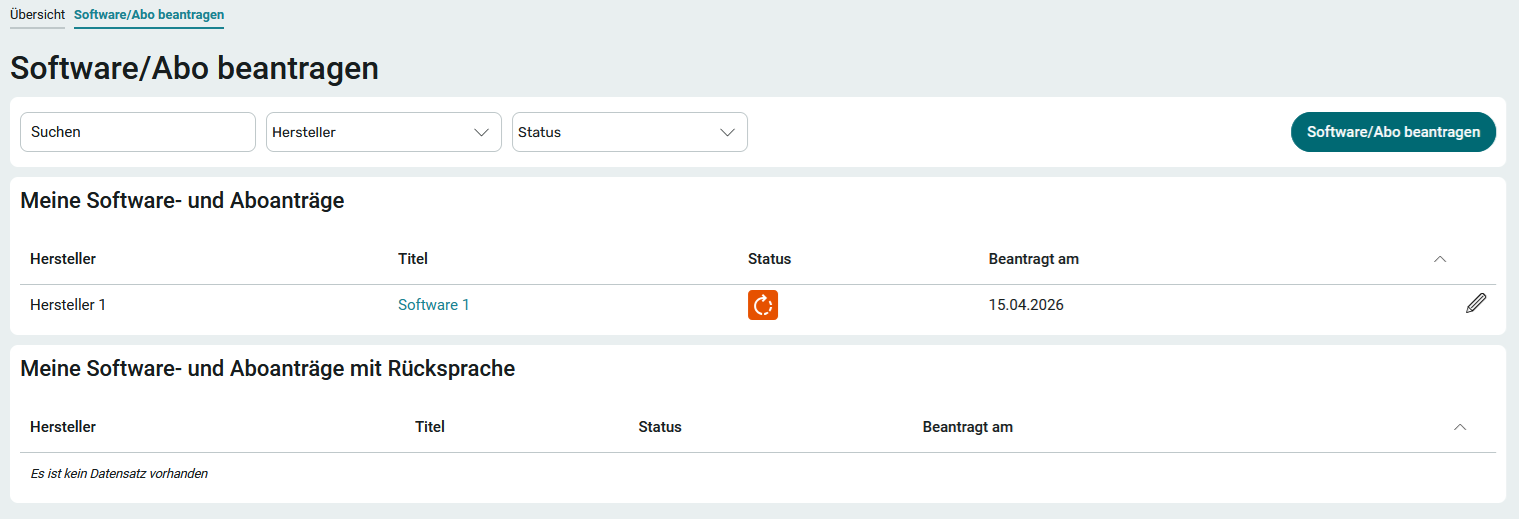
The request will be displayed in the " My Software and Subscription Requests " section with the corresponding status.
My Motions, Subject to Consultation
If there are any questions regarding your application, the application in question will be displayed in the " My Applications " section with a note requesting clarification . For more information, see here: Requests Requiring Consultation.
Status
By default, a software request can go through the following statuses:
 Under review
 Approved
 Rejected
 Follow-up Question