

Games
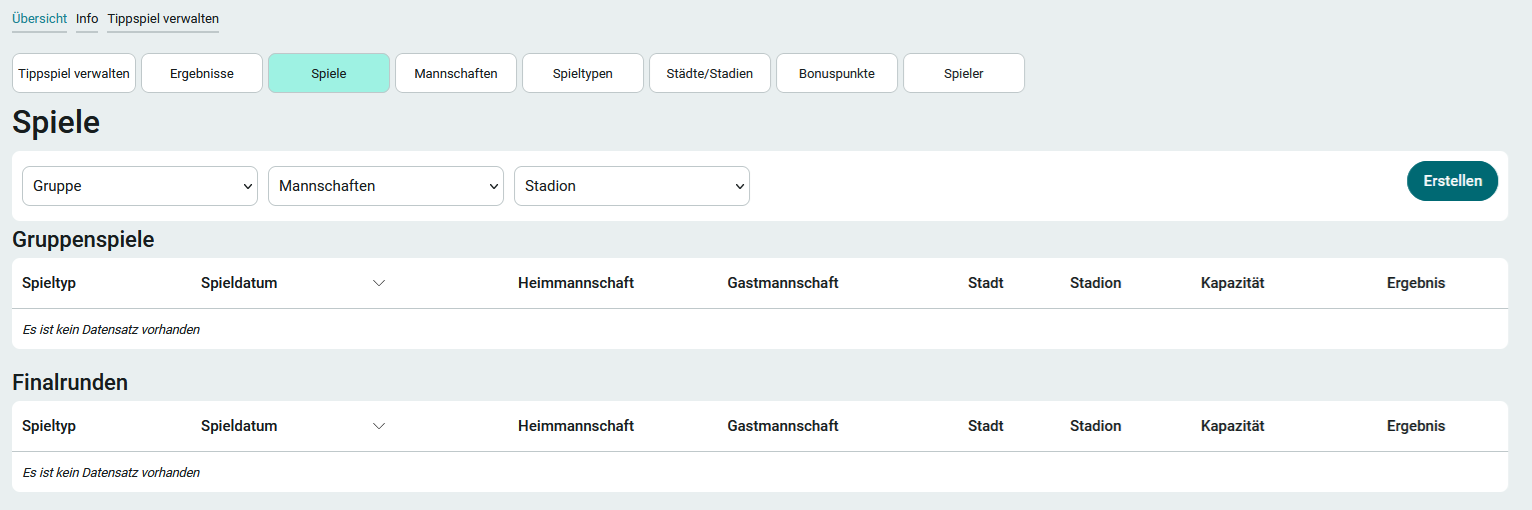
As a member of the App_ChampionshipBettingGame_Manager role, you can access the Games page via the " Manage Prediction Game" menu item in the application menu. To enter a new game, follow these steps:
1. Click Create.
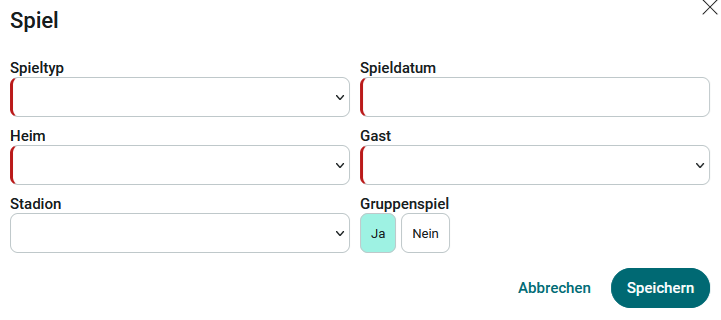
2. Select the game type here and enter the remaining information. Also specify whether it is a group game or not. The entries in the " Home" and " Away " lists are managed on the " Teams " page. The entries in the " Stadiums " list are managed on the " Cities/Stadiums " page.
3. Click Save.