

Text alternative
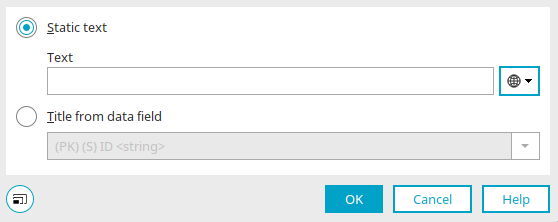
You can define text alternatives in the properties of elements that use images. Alternative text is displayed in place of the image on devices that cannot display images, for example.
Simply enter the text you want here as static text. You can find information about multilingual texts here.
Depending on where you access this dialog—for example, from a button with the "Image" button type—you can select a data field here as the text source for dynamically displaying the desired text.
Starting with Intrexx version 12.2.0
File Selection View
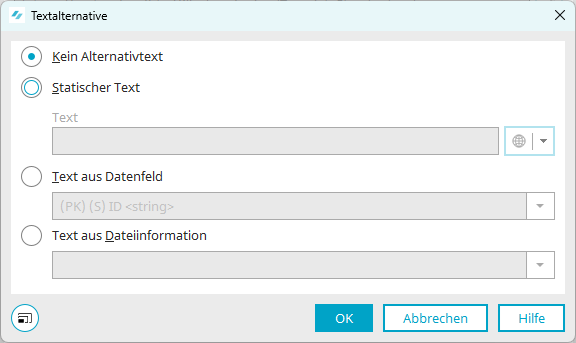
The following settings are available for the alternative text of the " File Selection" and " File Selection View " elements:
No alternative text
No alternative text is used.
Static Text
You can enter a fixed text (including multilingual text) here.
Text from data field
The alternative text corresponds to the value of the data field you select here.
Text from file information
Here, you can select file information—such as the file name, file size, or file extension—as the source for the alternative text.