

Set Up an IMAP Event Handler
With an IMAP event handler, you specify which events and which event source a process should respond to.
Step-by-Step
To set up an IMAP event handler, follow these steps:
-
Start the process in which you want to set up an IMAP event handler.
-
Select the "IMAP Event Handler" element and drag and drop it onto the workspace.
-
Double-click the item to open the Properties dialog box.

You can find all the information about the settings in this dialog box here.
-
Click "Next."
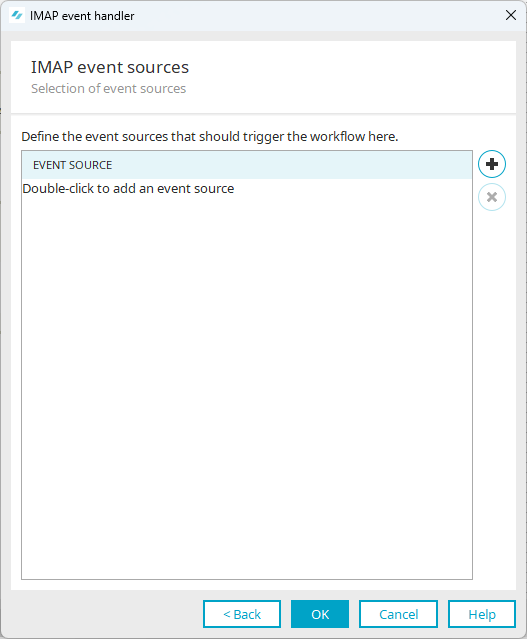
This takes you to the "IMAP Event Sources" dialog box.
-
Click the "
 " icon (Add IMAP Event Source).
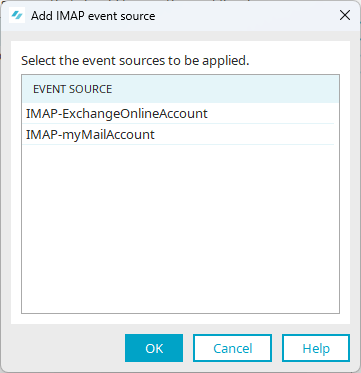
This will take you to the "Add IMAP Event Source" dialog box.
The IMAP event sources configured in Intrexx are displayed here.
Set Up Event Sources
The following sections describe how to set up event sources:
-
Select the desired event source.
-
Click "OK."
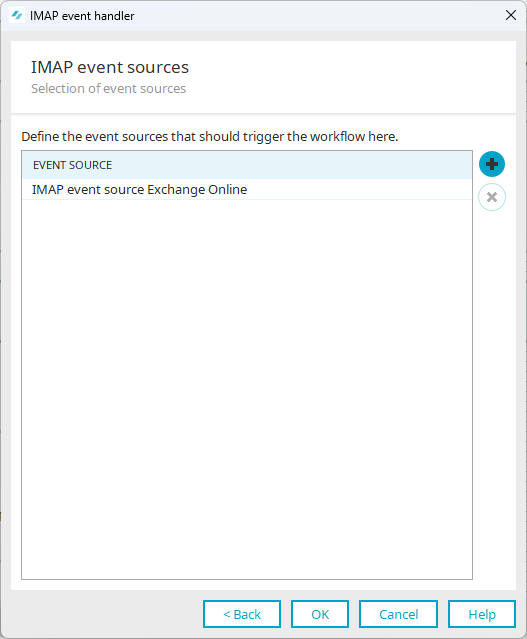
You will return to the "IMAP Event Sources" dialog box.
The previously selected event source is displayed.
-
Click "OK."
More Information