

Define Exception Handling
Please note that you can't configure exception handling until after you've created the REST call action.
Open the REST call action.
Go to the "Exception Handling" tab.
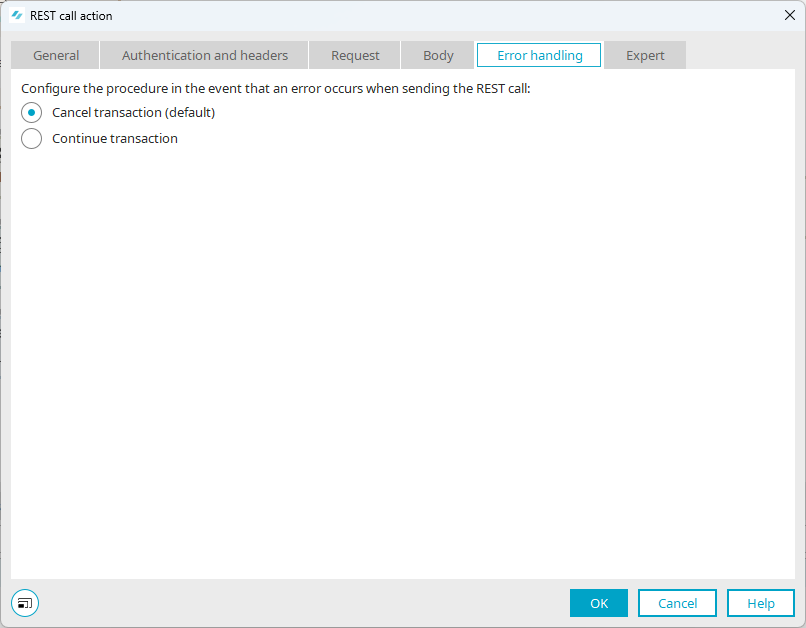
Cancel Transaction (Default)
This cancels the currently running call and, subsequently, the entire execution of the workflow. It is important to note that previous calls that have already been executed cannot be reversed, since they have already been placed. Errors occur primarily when a key cannot be resolved or a file cannot be found, but also when the client cannot find an API resource (400–499) or when errors occur in the API being called (500–599).
Continue Transaction
In this case, the system attempts to continue the call anyway; the client then fills in any missing data points with zeros or skips the corresponding steps (e.g., storing the response in the shared state). If any files are missing, the process is still terminated, as this would otherwise cause errors within the Apache client.
Your next step (optional)