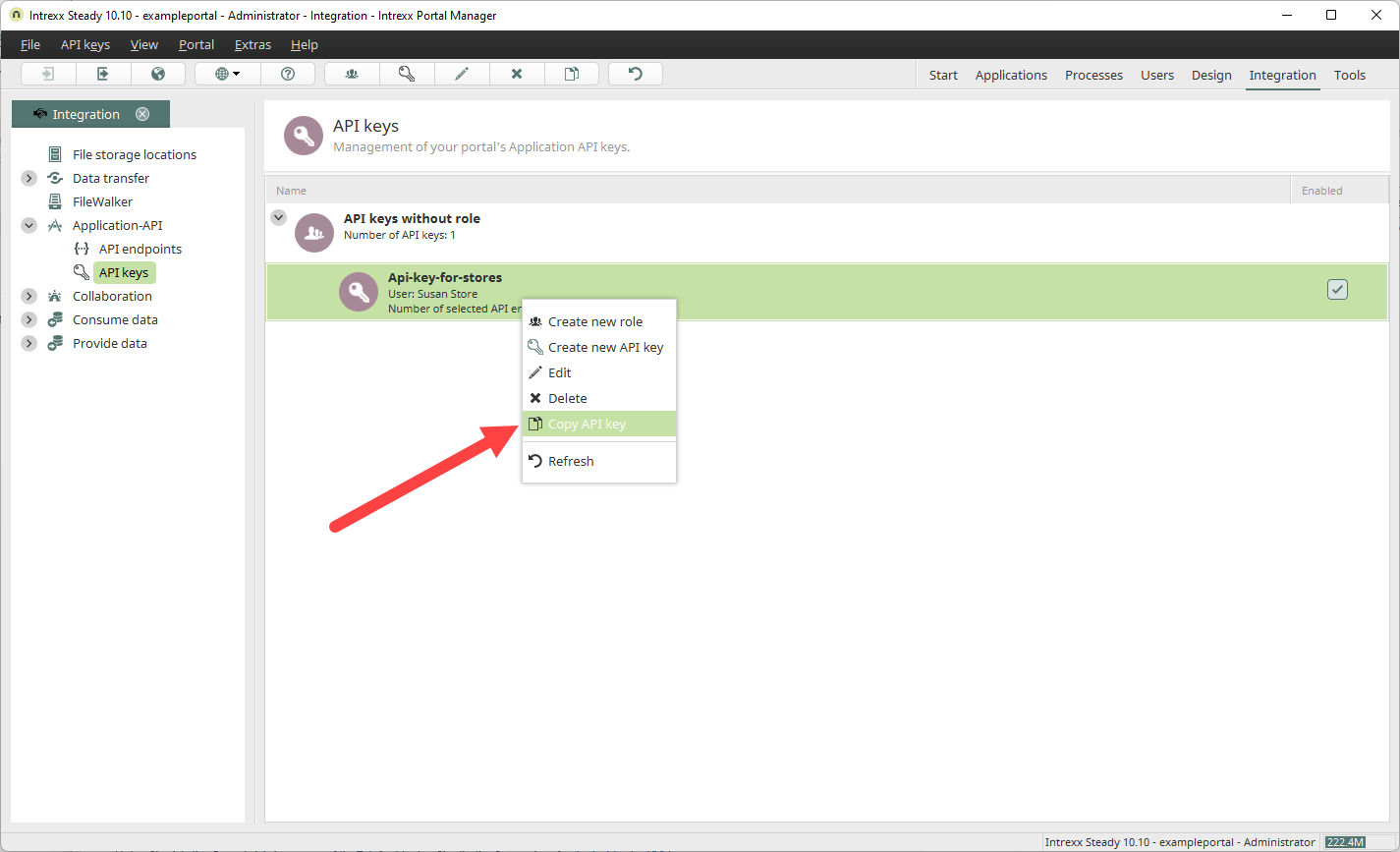
The following section describes how to create an API key without assigning it to an API key role.
Create Roles for API Keys information on creating API key roles, see the section ."
Step-by-Step
To create a new API key, follow these steps:
-
Launch the "Integration" module.
-
Click "Application API" > "API Keys."
-
Right-click on "API Keys without a role."
A context menu appears.
-
Click "Create New API Key."

The "Create New API Key" dialog box appears.
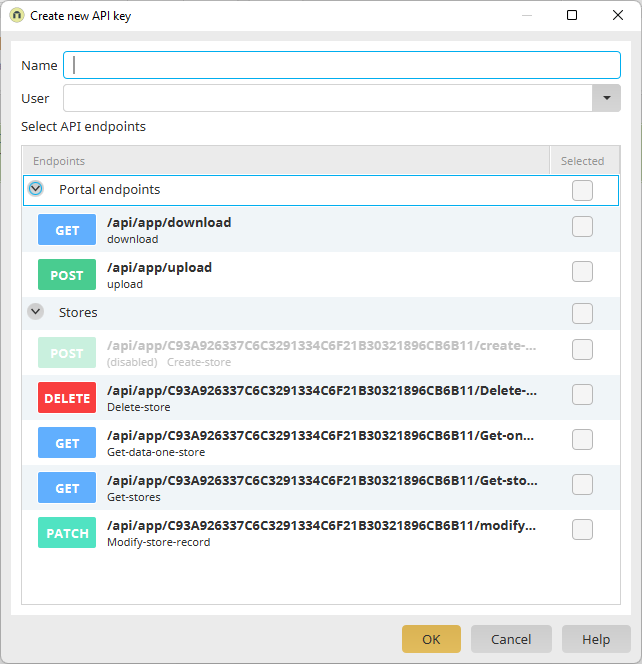
Name
Enter a name for the API key here.
User
Select a user here who is authorized to use the API key.
-
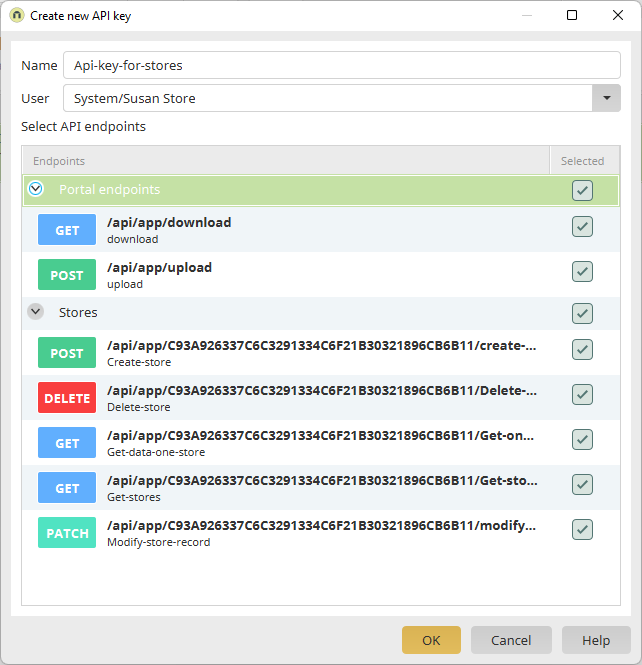
Select the checkboxes next to the endpoints for which you want the API key to apply.
-
Click "OK."
A new API key entry appears under "API Keys Without a Role."

A new API key has been generated.
You can access the API key by right-clicking.
You can copy the API key to the clipboard by selecting the "Copy API Key" menu item.