

External Users
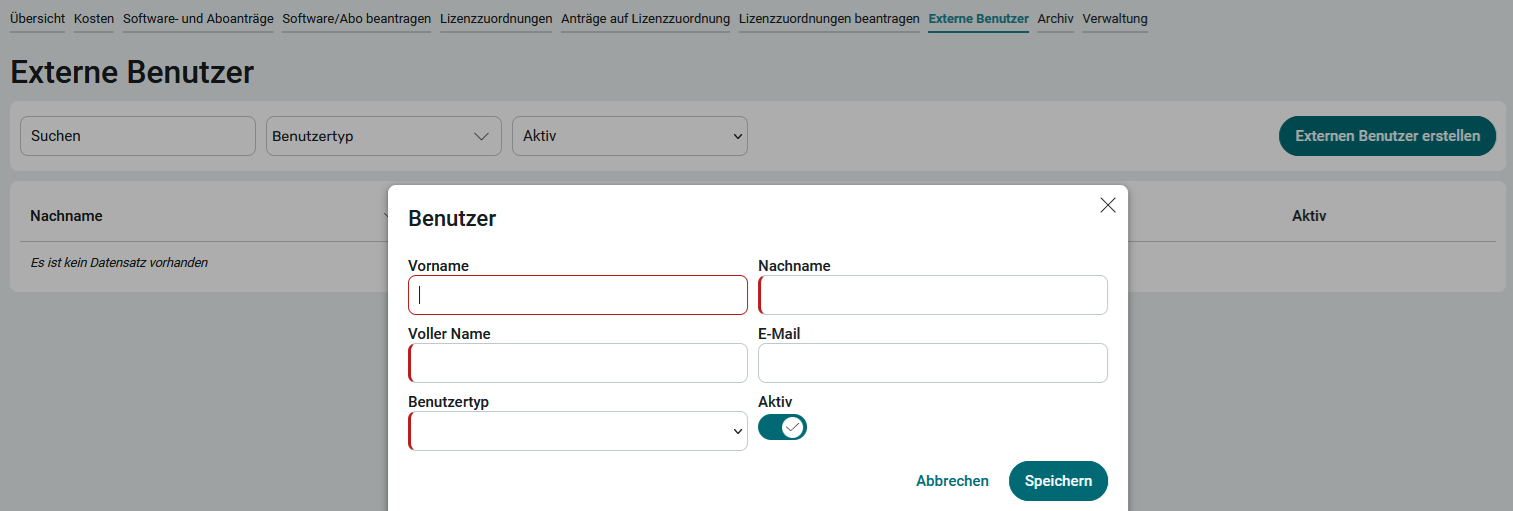
Software can be assigned not only to employees but also to external users. External users are created on the page of the same name. You can access the External Users page in the application menu if you are a member of the App_LicenseManager_Manager role.
1. Click " Create External User."
2. Enter your first name, last name, and email address.
3. Select the user type.
4. Click Save.
The following user types are available by default:
-
Service Provider
-
Freelancer
-
Technical User