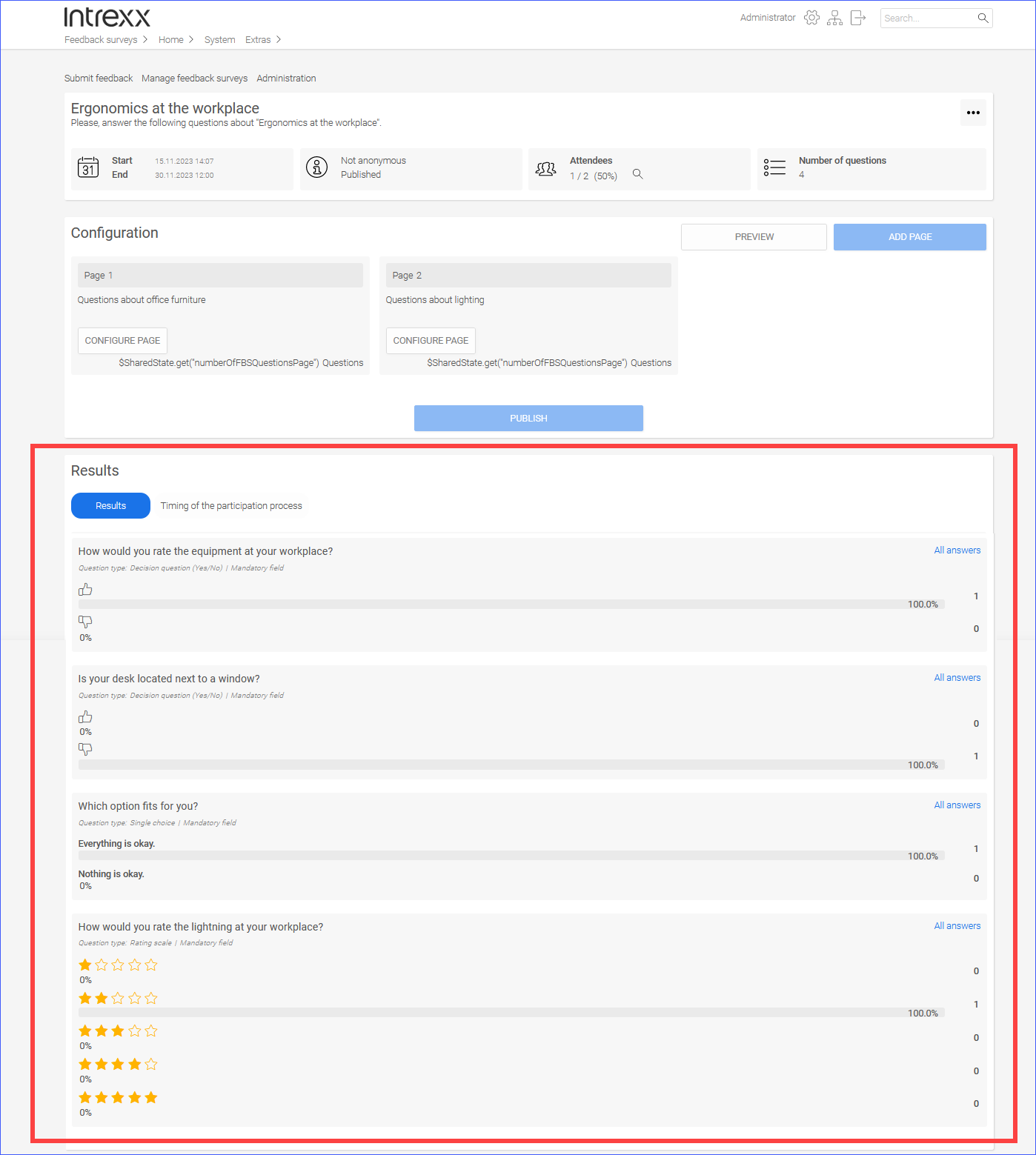
Analyze results
Step-by-step guide
To view the results of a feedback survey, proceed as follows:
-
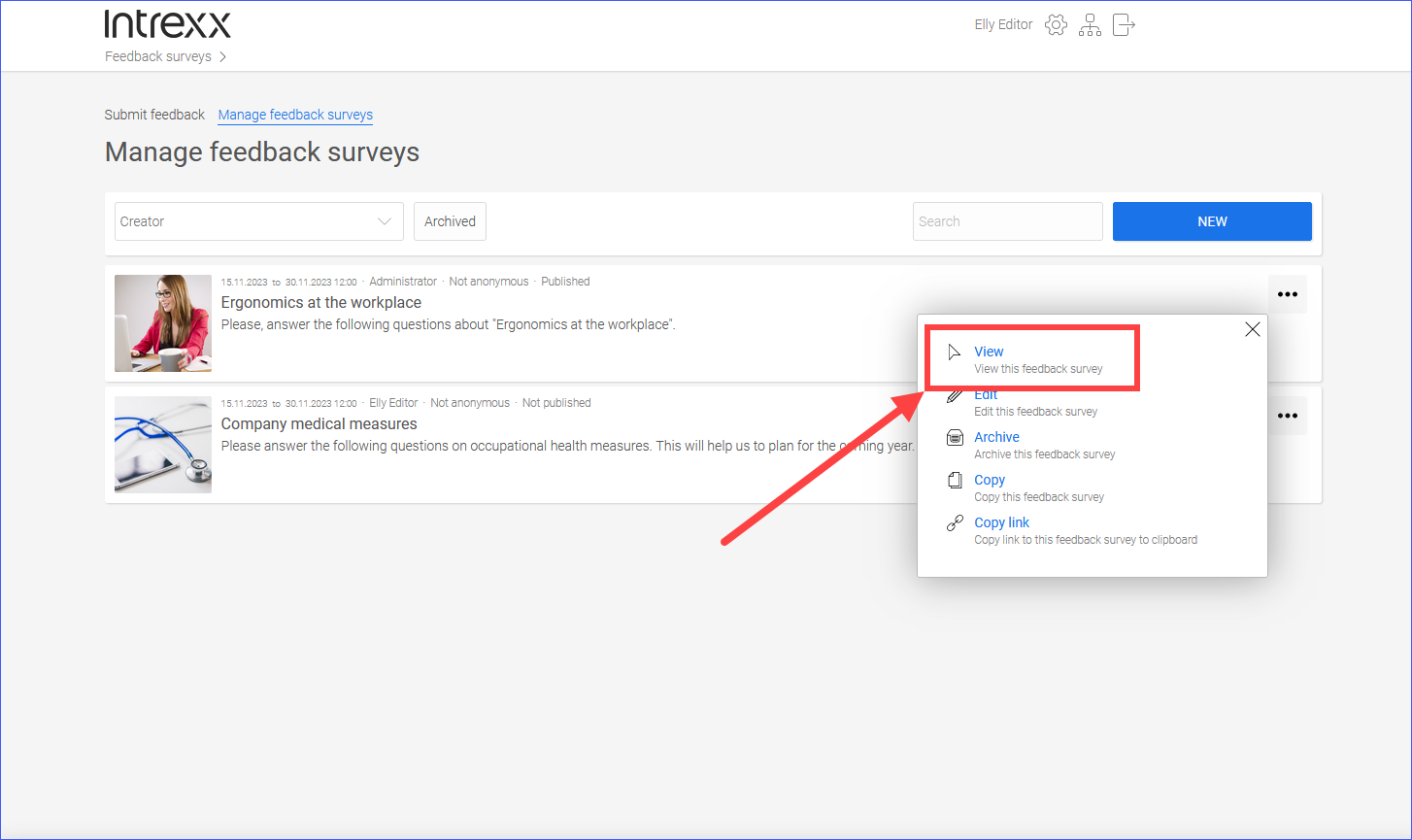
Go to the "Manage feedback surveys" page.
Surveys are displayed.
-
-
A pop-up window is displayed.
-
Click on View.
The feedback survey is displayed.
You can find the results below.