

Manage Prediction Game
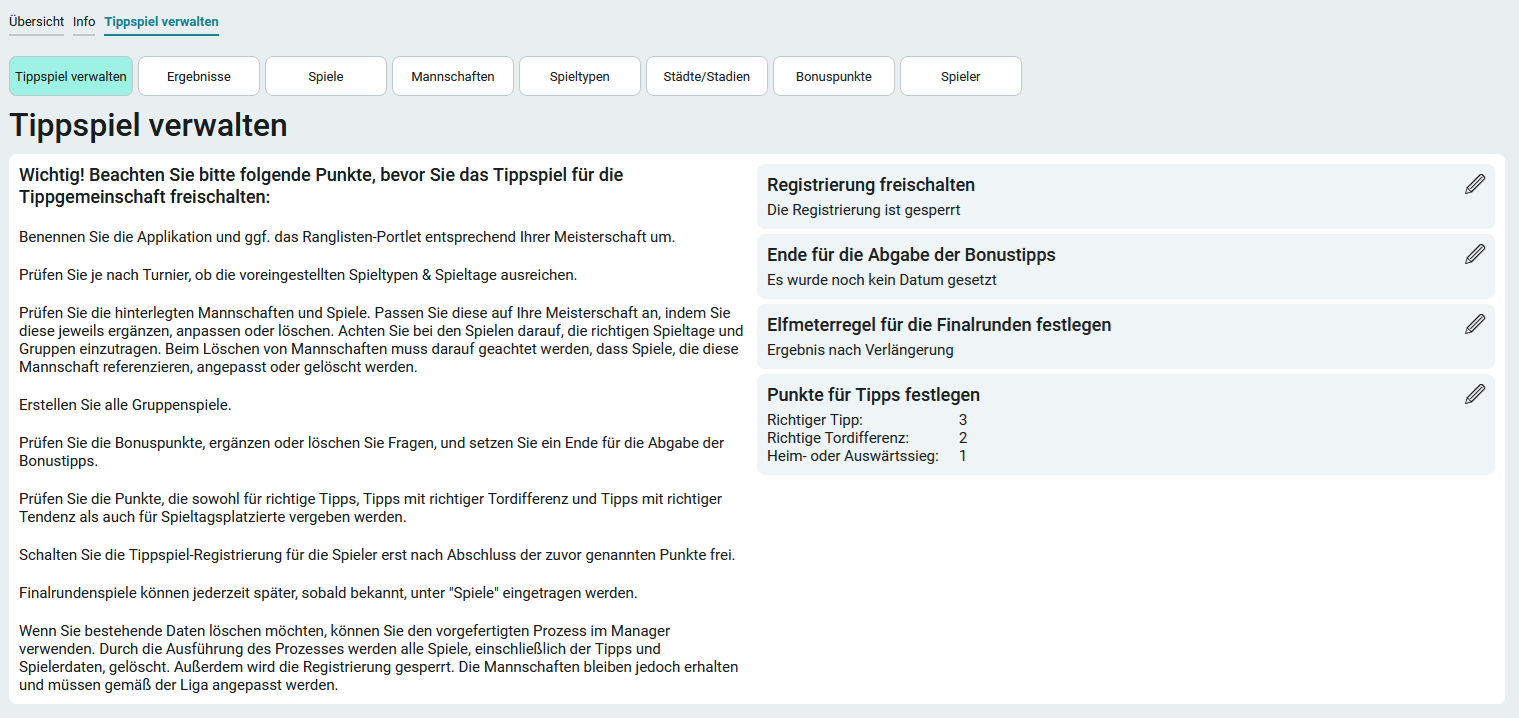
As a member of the App_ChampionshipBettingGame_Manager role, you can access the " Manage Prediction Game " page via the " Manage Prediction Game" menu item in the application menu.
Set Points for Tips
Please note that once registration is activated, the score can no longer be changed.
On the right side of the " Manage Prediction Game " page, you can set the points for predictions by clicking " Edit " next to "  ."
."
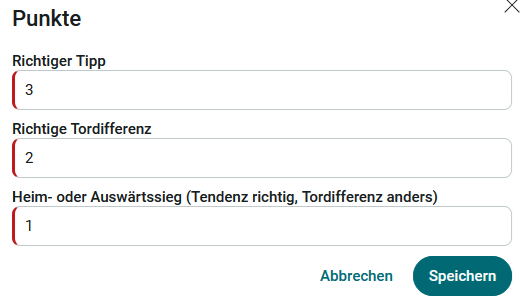
Enter the number of points a player should receive here if they correctly predict the outcome of the game.
Example - Prediction: 3-2, Result: 3-2
Net goal difference
Enter the points here that a player should receive if they correctly predict the winner of the game (outcome) and the goal differential.
Example - Prediction: 3-2, Result: 2-1
Home or away win (correct outcome, but different goal differential)
Enter the number of points here that a player should receive if they correctly predict the winner of the game (tendency).
Example - Prediction: 3-2, Result: 2-0
Deadline for submitting bonus tips
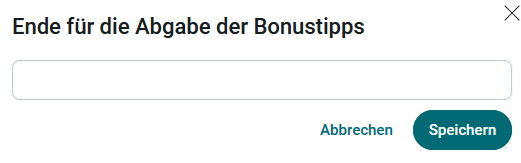
On the right side of the " Manage Prediction Game " page, you can set the deadline for submitting bonus predictions.
Establish Penalty Kick Rules for the Final Rounds
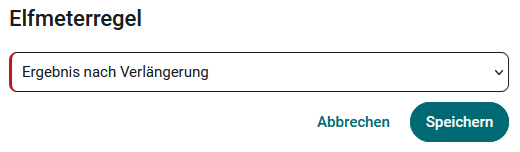
On the right side of the " Manage Prediction Game " page, you can set the penalty kick rule for the final rounds. The following values can be selected:
-
Result at the end of regulation time
-
Result after overtime
-
Result after a penalty shootout
Activate Registration
You can enable registration by clicking " Edit " next to " " on the right side of the " Manage Prediction Game " page.
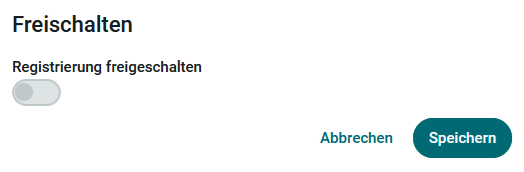
Players can now register on the Overview page.