

Step-by-Step
To create an application based on your own online application templates, follow these steps:
-
Launch the "Applications" module.
-
Click "File > New Application...".
The "Applications" dialog box appears.
-
Click the "Templates" menu item.
The online application templates are displayed in the right-hand pane of the dialog box.
-
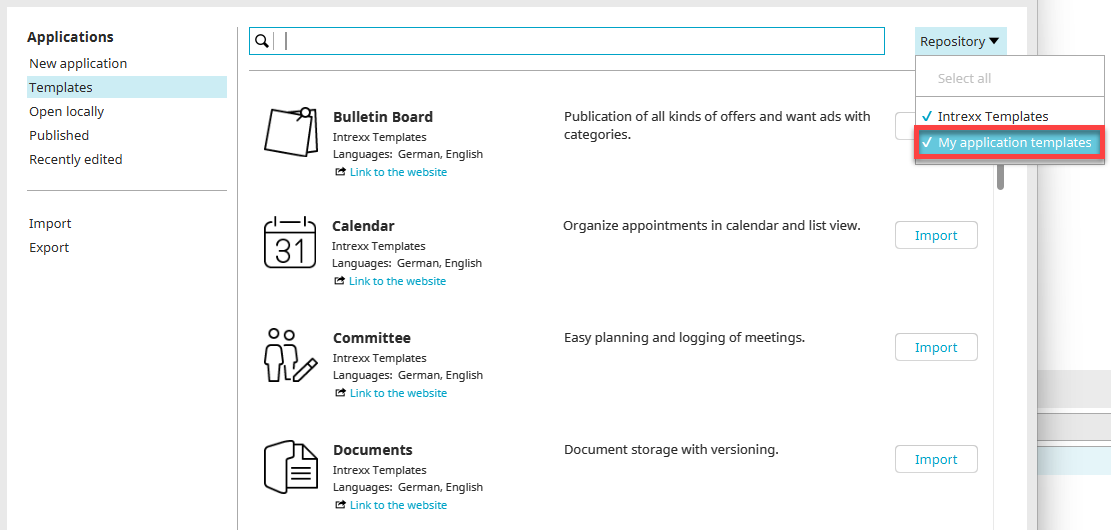
Click the "Directory" drop-down list and select your template directory.
-
Click "Import" to the right of the desired application template.
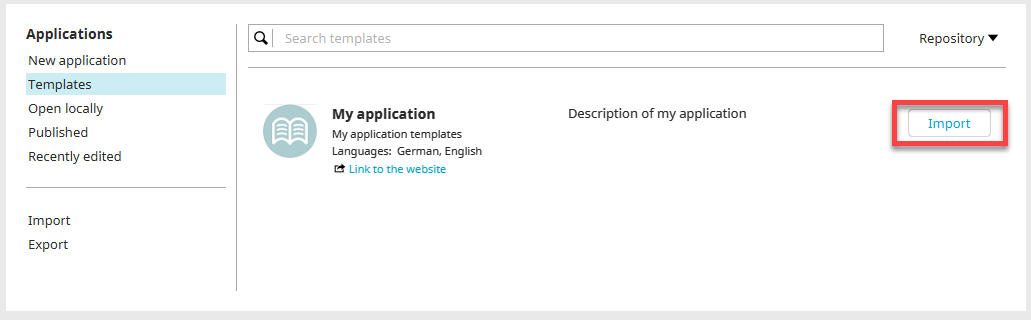
The import process for the application template then begins.
The next steps are the same as when creating applications based on online application templates from Intrexx.
For more information, see the section " Templates and Solutions."