

Query parameters are defined in the "Query Parameters" dialog step.
It is not always necessary to create a query parameter.
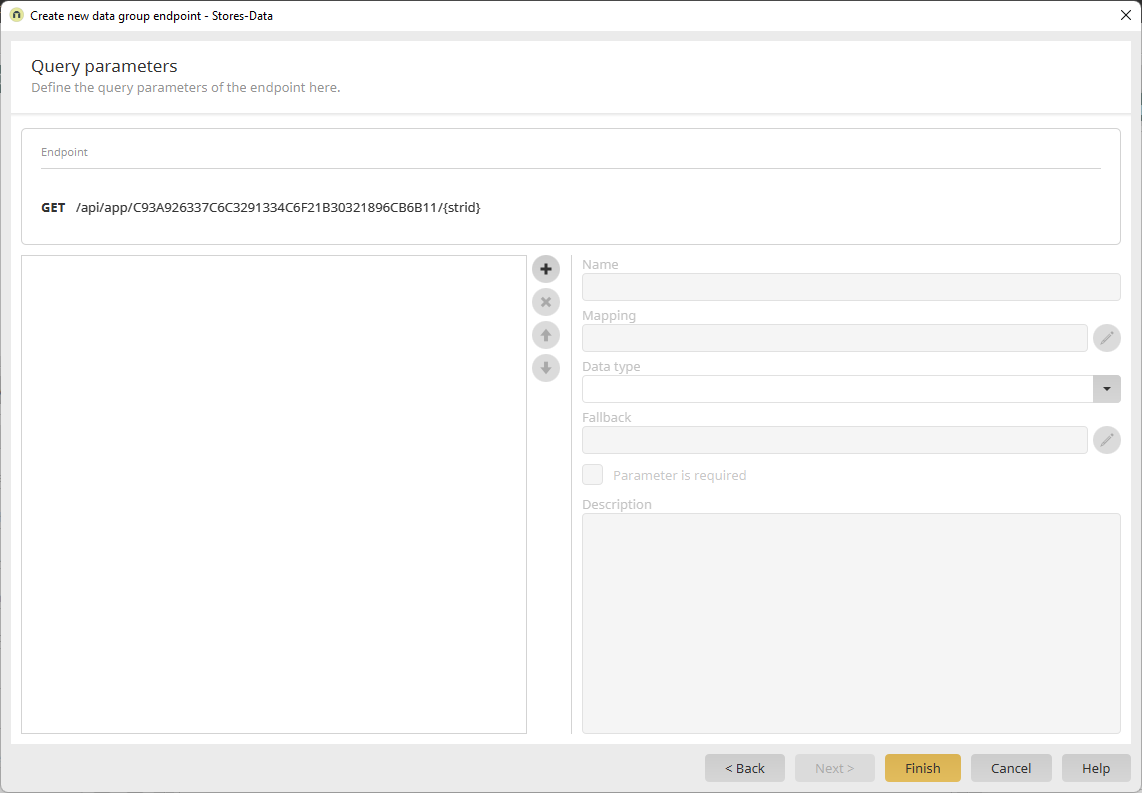
Click  to define a new query parameter.
Query Parameter Types
The types of query parameters you can create depend on which action or method you selected in the "Data Group Selection" dialog step.
Static Query Parameters
You can always create a static query parameter.
-
Click "Static."

-
Enter a name in the "Name" field.
The name must be at least two characters long and begin with a lowercase letter. In addition, it must contain only alphanumeric characters and underscores.
Query Parameters with Data Field Mapping
Click "Data Field" to create a query parameter with an (immediate) data field mapping.
Next, select the desired data field.
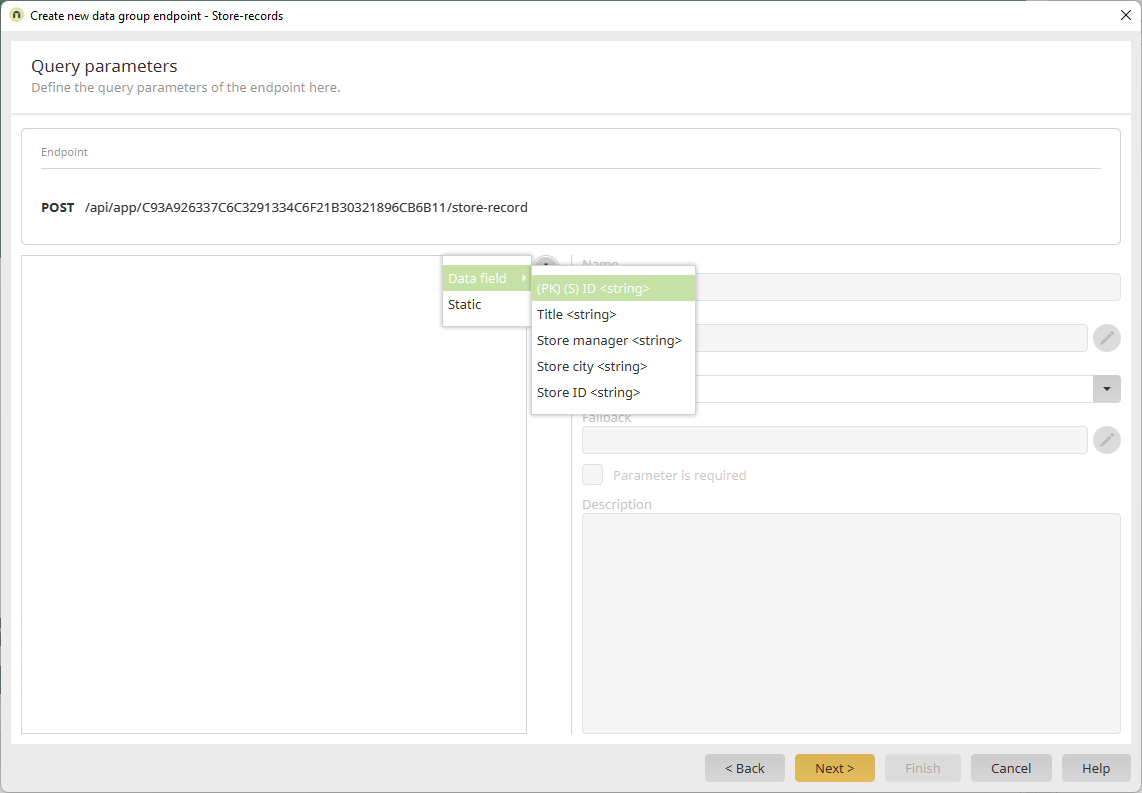
Name
Enter a name for the parameter here.
The name may occur only once in an endpoint.
The name must match the regular expression [a-zA-Z][a-zA-Z\\d-_.]+. In other words, it must be at least two characters long and start with a letter. Only letters, numbers, hyphens, underscores and periods are allowed.
Data type
Select the data type of the path parameter here.
The data type of the incoming path parameter must match the data type selected here. If the data types do not match, the corresponding request will not be processed.
Fallback
Here you can store a fallback value for the parameter.
The fallback value is used when the parameter must be evaluated in any case, but a value for the parameter is not required when calling the endpoint.
Parameter is required
If you select the checkbox, you must specify the parameter for the request.
Checking this box can be helpful, for example, when a parameter is always expected but a meaningful fallback cannot be defined (such as a user ID).
Description
Enter a description for the parameter here. Multiline texts are possible. The description is part of the Swagger documentation.